
Free Video & Audio Dubbing AI: Localize Videos in 100+ Languages
Whether you're localizing videos, narrating content, or building scalable audio workflows, DeVoice Dubbing AI helps you move faster with clean, natural results.
Language:
Voice:
How to use Dubbing AI with DeVoice in 3 Easy Steps
Create professional voiceovers in just a few steps:
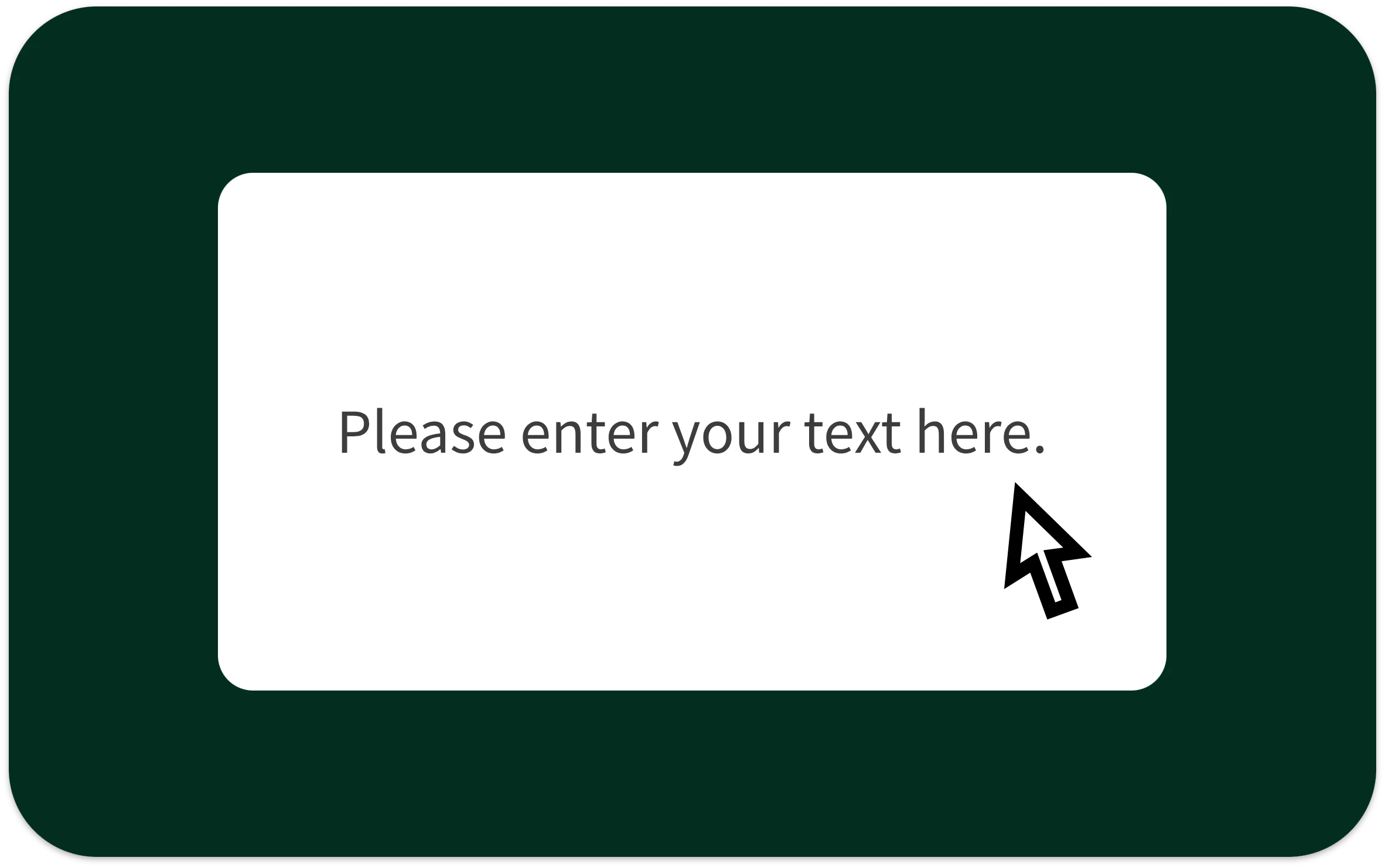
Step 1: Enter Your Text
Paste or type the script you want to convert into speech.
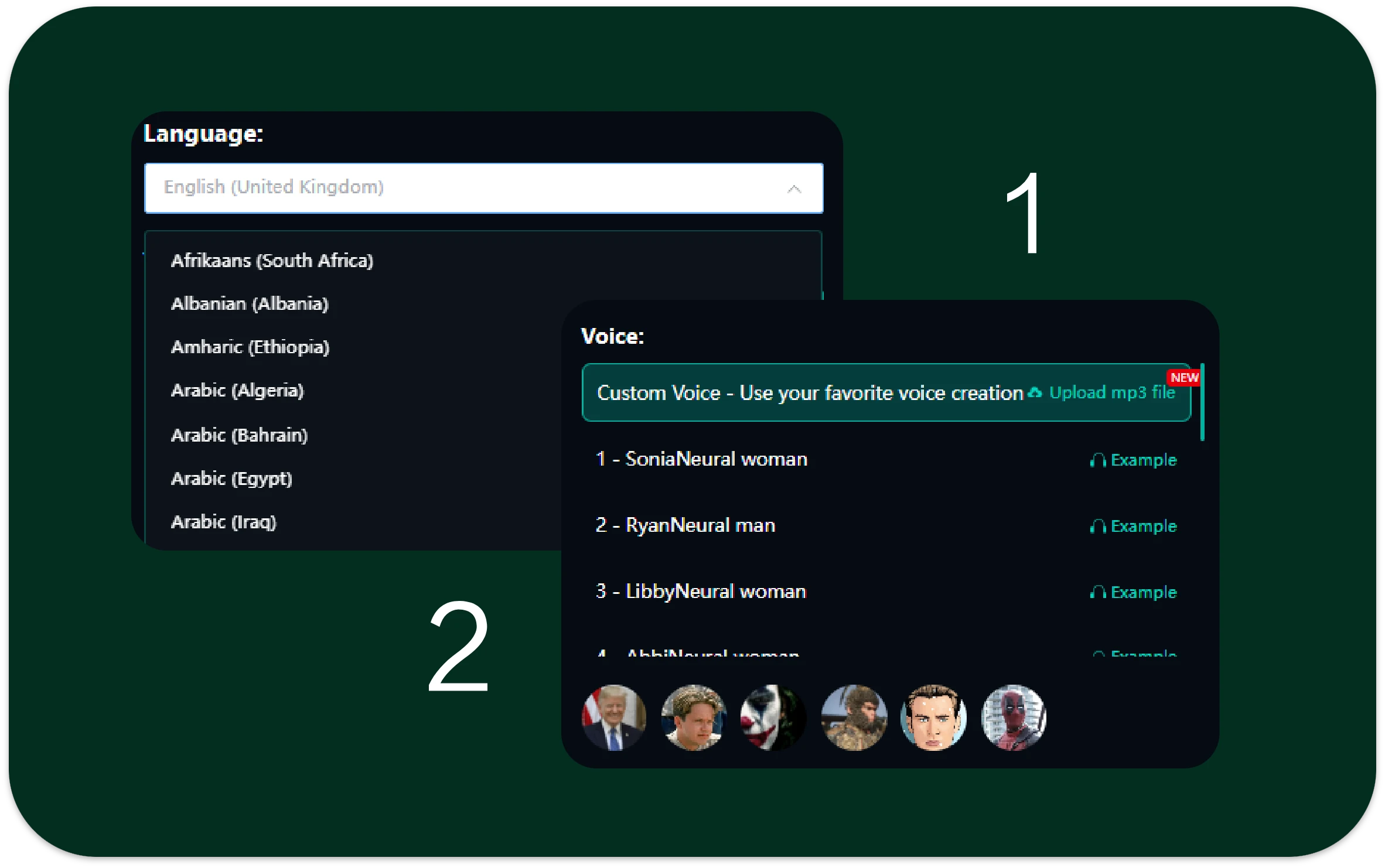
Step 2: Upload a Voice or Choose a Preset
Upload a reference voice to match a specific tone, or select from high-quality preset AI voices designed for dubbing, narration, and explainer content.
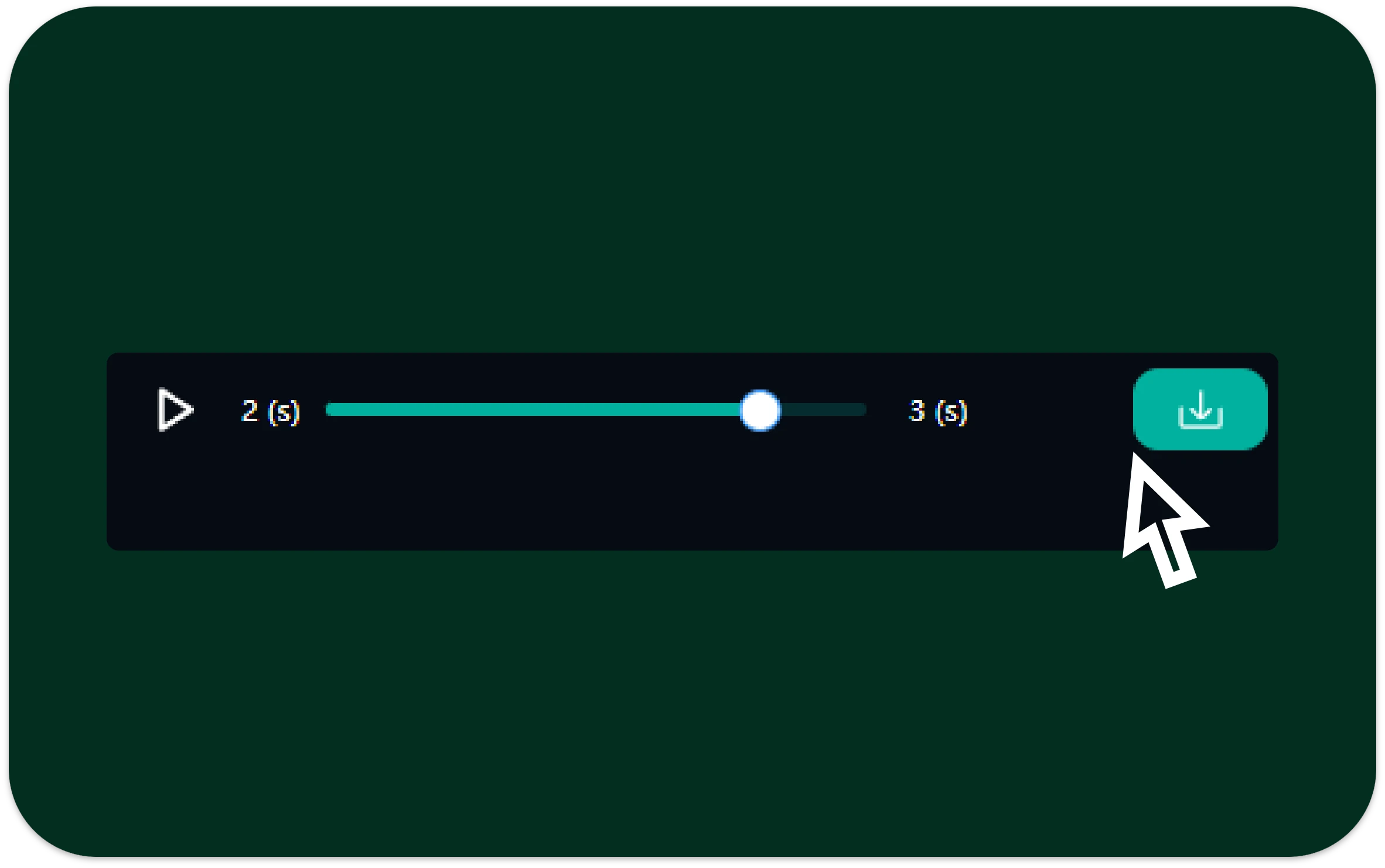
Step 3: Generate and Download Audio
Click generate and let Dubbing AI produce natural, synchronized voice audio.
You're Underusing Dubbing AI—Unlock Its Core Capabilities Now
No Skills Required, Fully Online
Dubbing AI removes the technical barrier of traditional voice production. You don't need recording experience, editing skills, or special software. Simply input text, choose or upload a voice, and generate professional voiceovers directly in your browser
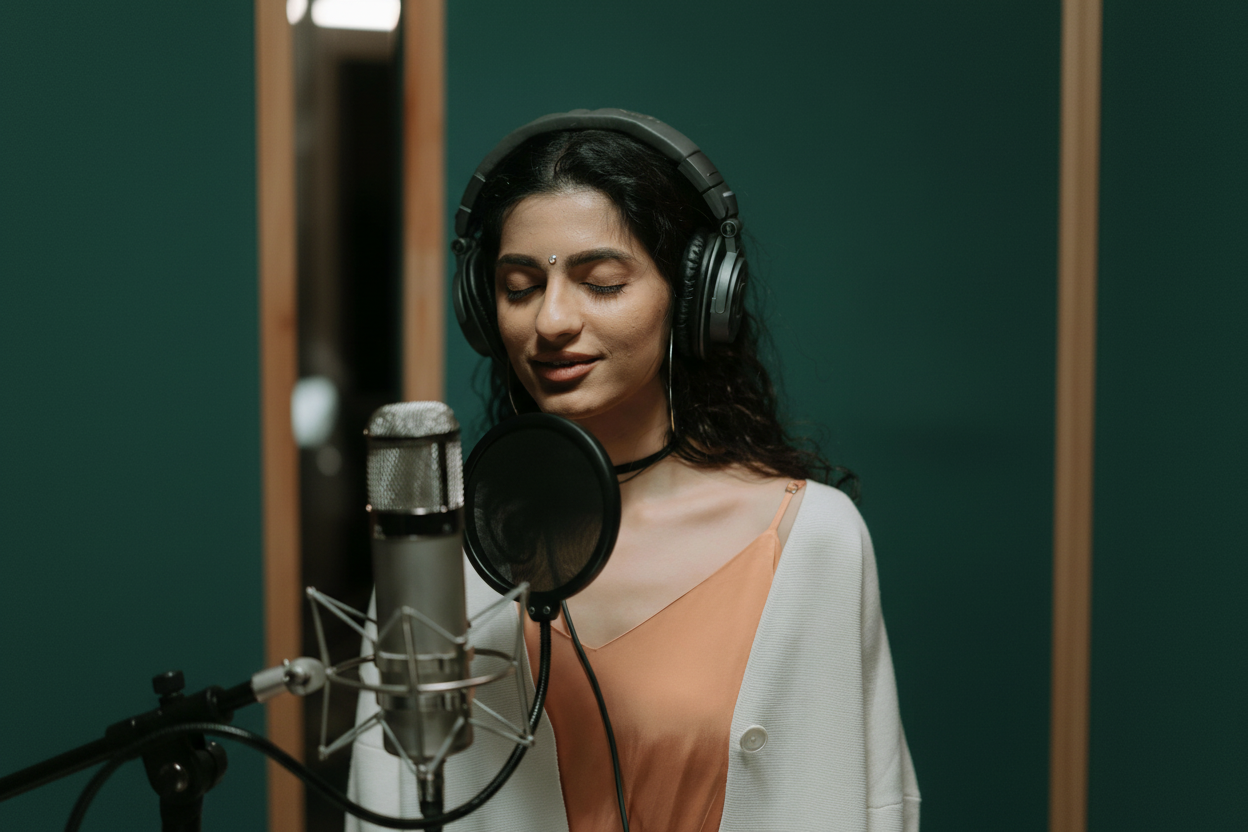
Fast and Accurate Voice Generation
Advanced speech synthesis delivers clear and natural audio within seconds. Accurately follows your script and maintains proper pacing. Produces consistent results ideal for fast-paced content workflows

Support for 100+ Languages and Accents
Dubbing AI supports over 100 languages and regional accents. Easily localize content for global audiences. Generate multilingual voiceovers while keeping pronunciation and tone natural

Custom Voice Options for Any Style
Upload your own voice or select from high-quality preset voices. Customize tone, pacing, and style to match different content needs. Perfect for narration, training, marketing, and storytelling
Why Choose DeVoice for Dubbing AI
Fully Online Dubbing AI
No downloads or installations. Everything runs in your browser.
Natural Voice Output
Advanced speech synthesis delivers smooth pacing, clear pronunciation, and human-like tone.
Flexible Voice Options
Upload your own voice or use professionally designed preset voices.
Fast Generation
Generate audio in seconds, even for longer scripts.
Secure Processing
Your text and audio files are handled securely and never reused without permission.
Scalable Multi-Language Support
Generate voiceovers in multiple languages from a single script.
Trusted by Creators, Teams, and Professionals
"Dubbing AI helped us localize videos in days instead of weeks. The voices sound surprisingly natural."
"I no longer record voiceovers myself. DeVoice makes AI dubbing simple and consistent."
"We update product videos often. Dubbing AI saves us time and budget every single release."
"I love being able to choose preset voices that match my content style."
"Using Dubbing AI removed the need for studio sessions completely."
"Fast, clean, and easy to use. Exactly what we needed."
Frequently Asked Questions – Dubbing AI
What is Dubbing AI?
Dubbing AI is a tool that converts written text into spoken audio using AI-generated or uploaded voices, commonly used for video voiceovers and localization.
Can I upload my own voice for AI dubbing?
Is Dubbing AI online or software-based?
How natural does the AI dubbing sound?
What file formats can I download?
Who should use Dubbing AI?
Create Voiceovers Faster with Dubbing AI
Turn text into natural speech in seconds with DeVoice.