


How to Actually Get Better at Math
10m 37s
Word-for-word transcripts with speaker labels and timestamps. Full, clean, or intelligent — your pick for every record.
Live transcript results
Live transcription is unavailable in this browser. Use normal recording instead.
Ready to record
00:00

Not every project needs the same level of detail. Choose the mode that matches how the text will be used.
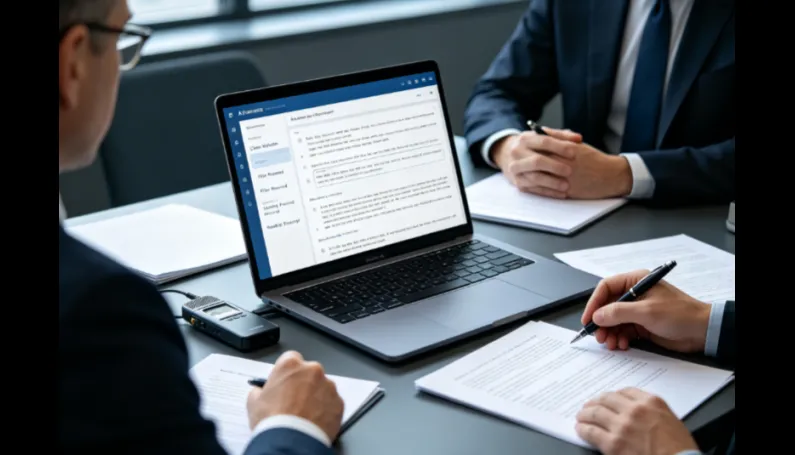
Every word, filler ("um", "uh"), false start, and overlap — exactly as spoken. For depositions, research interviews, and court records.
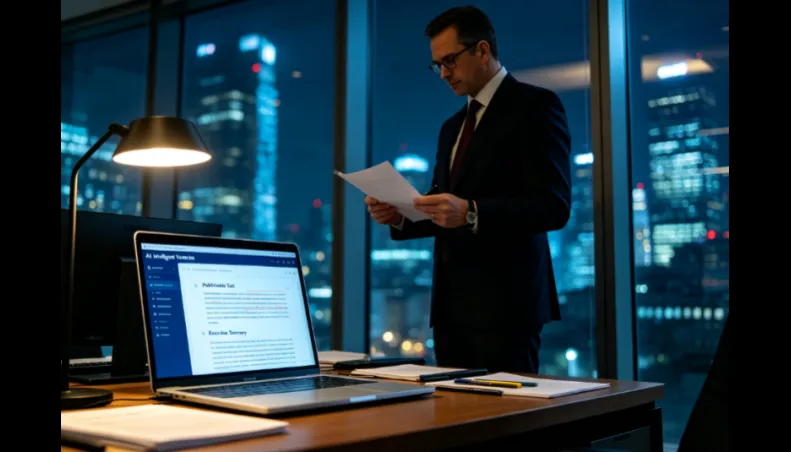
Filler words and stumbles removed, meaning preserved. The readable default for meetings, articles, and subtitles.
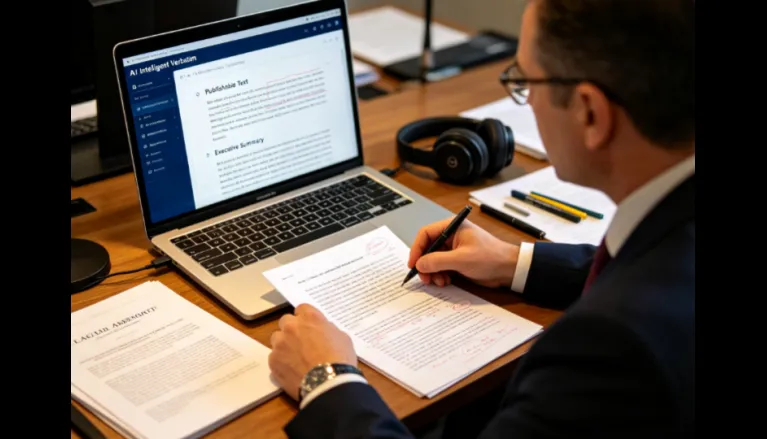
Cleaned further for clarity — repetitions and tangents tightened. Best for publishable content and exec summaries.
The record is only as faithful as the audio. We clean first, then transcribe.
Echo, room tone, and background noise are reduced first — so "um"s and words aren't lost to static.
Multiple speakers are auto-tagged, with timestamps — essential when the verbatim record is cited line by line.
Page:line numbering, timestamps, and speaker IDs in DOCX, TXT, or SRT. Edit inline before you download.
Three steps take any recording to a clean, labeled verbatim transcript — upload your file, let DeVoice reduce noise and recognize speech with speaker labels, then review and export in full, clean, or intelligent mode.
Drop your audio or video file, or paste a YouTube / link. High-quality audio improves accuracy.
Noise is reduced, speech is recognized, and speakers are labeled — in full, clean, or intelligent mode.
Edit inline, then download TXT, DOCX, or SRT. Copy straight into notes, articles, or subtitles.
A quick reference for common verbatim use cases.
| Use case | Full verbatim | Clean verbatim | Intelligent |
|---|---|---|---|
| Legal depositions & hearings | Recommended | Optional | Not advised |
| Research / interview records | Recommended | OK | Loses nuance |
| Meeting notes | Too noisy | Recommended | OK |
| Podcasts & video subtitles | Too noisy | Recommended | OK |
| Publishable articles | No | OK | Recommended |
Verbatim transcription captures speech exactly as spoken — including filler words, false starts, and overlaps. It preserves the complete record, which is why it is the standard for legal proceedings and research interviews.
Clean audio, labeled speakers, and your choice of full, clean, or intelligent mode — free to begin, no credit card required, with your first draft ready in minutes.