

Background Noise Remover & Audio Enhancer Online
Remove background noise from audio online free, directly in your browser.
AI Separation
Pick a tool — Basic for vocal noise reduction, Pro for full stem separation.
Drop your audio or video here
Drag and drop, or click to select • MP3, WAV, M4A, FLAC, MP4 • Up to 1 hour
More Than Noise Removal — Clean, Separate & Transcribe in One Place
DeVoice doesn’t just strip background noise. In the same workflow you can separate vocals from instrumentals and turn the cleaned audio into accurate, timestamped text — no need to juggle three different tools.
AI Background Noise Removal
Core feature
An AI model isolates clean speech and removes unwanted sound from any audio or video file.
- Remove hiss, hum, wind, echo & crowd noise
- Rescue field recordings, calls & old clips
- Works with audio and video (MP3, WAV, MP4…)
- No software install — fully online
Vocal & Instrumental Separation
Stem split
Split any track into clean stems and preview or download each one independently.
- Isolate the vocal (acapella) track
- Extract the instrumental / backing track
- Great for karaoke, remix & sampling
One-Click Audio Transcription
Add-on · recommended
Send the cleaned vocal straight to transcription for sharper, more accurate text.
- Auto speaker labels (who said what)
- Word-level millisecond timestamps
- 100+ languages, auto-detect source
- Export SRT, VTT, TXT, DOCX, CSV
How Our AI Noise Remover Actually Works
Traditional noise removal tools use static noise samples — you record a few seconds of “silence” and let the software subtract it. That works for constant hum, but it often leaves artifacts, mutes quiet speech, and sounds unnatural.
DeVoice uses a modern AI noise remover model trained on thousands of hours of real-world recordings. Instead of subtracting a noise profile, the model separates your audio into two streams: one containing human voice and speech, and the other containing everything else — fan noise, keyboard clicks, traffic, room reverb, electrical hum, and background music.
This is why our AI handles noisy cafe recordings, windy outdoor audio, and echoey conference rooms far better than older spectral-gate tools. The model understands what human speech sounds like, so it preserves the details of your voice while removing everything around it.
AI-Powered to Remove Noise from Audio Effortlessly
One-Click Remove Noise from Audio
Remove background noise from audio online with a single click. DeVoice uses AI to detect and eliminate unwanted sounds automatically, helping you clean recordings without manual adjustments or complex tools.
No Editing Skills Required
You don't need audio engineering experience to get great results. Just upload your file, and DeVoice will remove background noise for you—making it easy for anyone to improve sound quality, even on the first try.
Fast AI Processing: Remove Noise from Audio
Forget long editing sessions. Our AI processes your audio in seconds, allowing you to remove noise from audio online free and focus on creating content instead of fixing technical issues.
Studio-Level Sound, Zero Complexity
From podcasts and videos to meetings and voice recordings, DeVoice delivers clear, professional-quality audio. Enjoy distraction-free sound that feels polished and natural—without studio equipment or complicated software.
How to Remove Background Noise from Audio online free
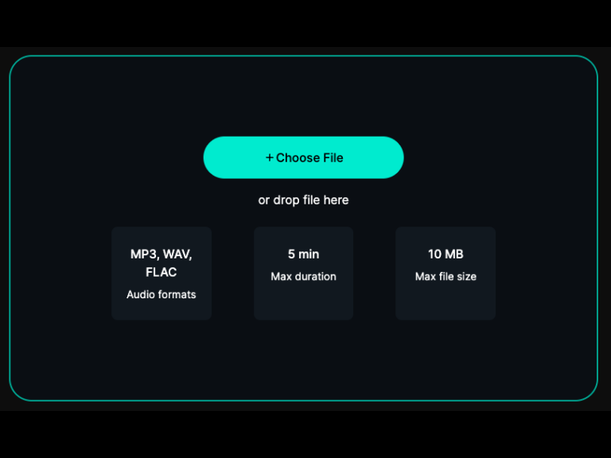
Step 1: Upload Your Audio or Video File
Upload your audio or video file. DeVoice supports removing background noise from audio online free recordings in MP3, WAV, MP4, and other formats.
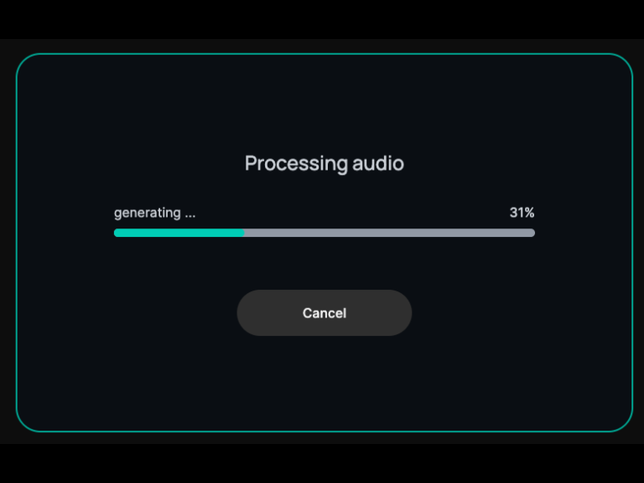
Step 2: AI Noise Reduction Processing
Once uploaded, our AI automatically detects unwanted background sounds and processes your file. The system focuses on speech enhancement, making it easy to remove background noise from audio online free without manual adjustments.
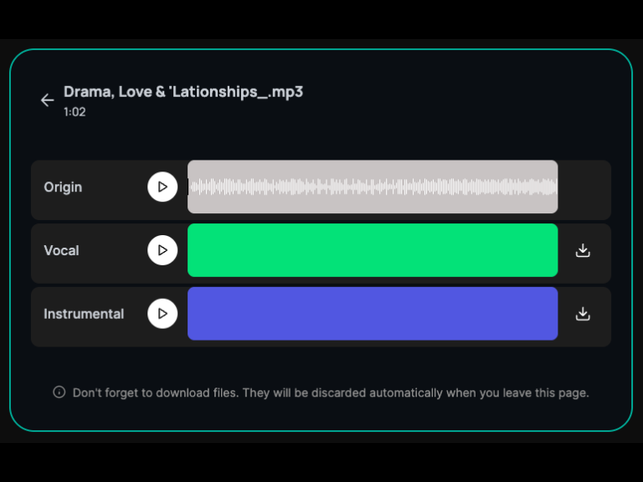
Step 3: Preview and Download Clean Audio
Preview the cleaned result, compare it with the original, and download your improved audio. In just minutes, you’ll see how to remove noise from audio online free without sacrificing quality.
Remove Background Noise for Every Real-World Scenario
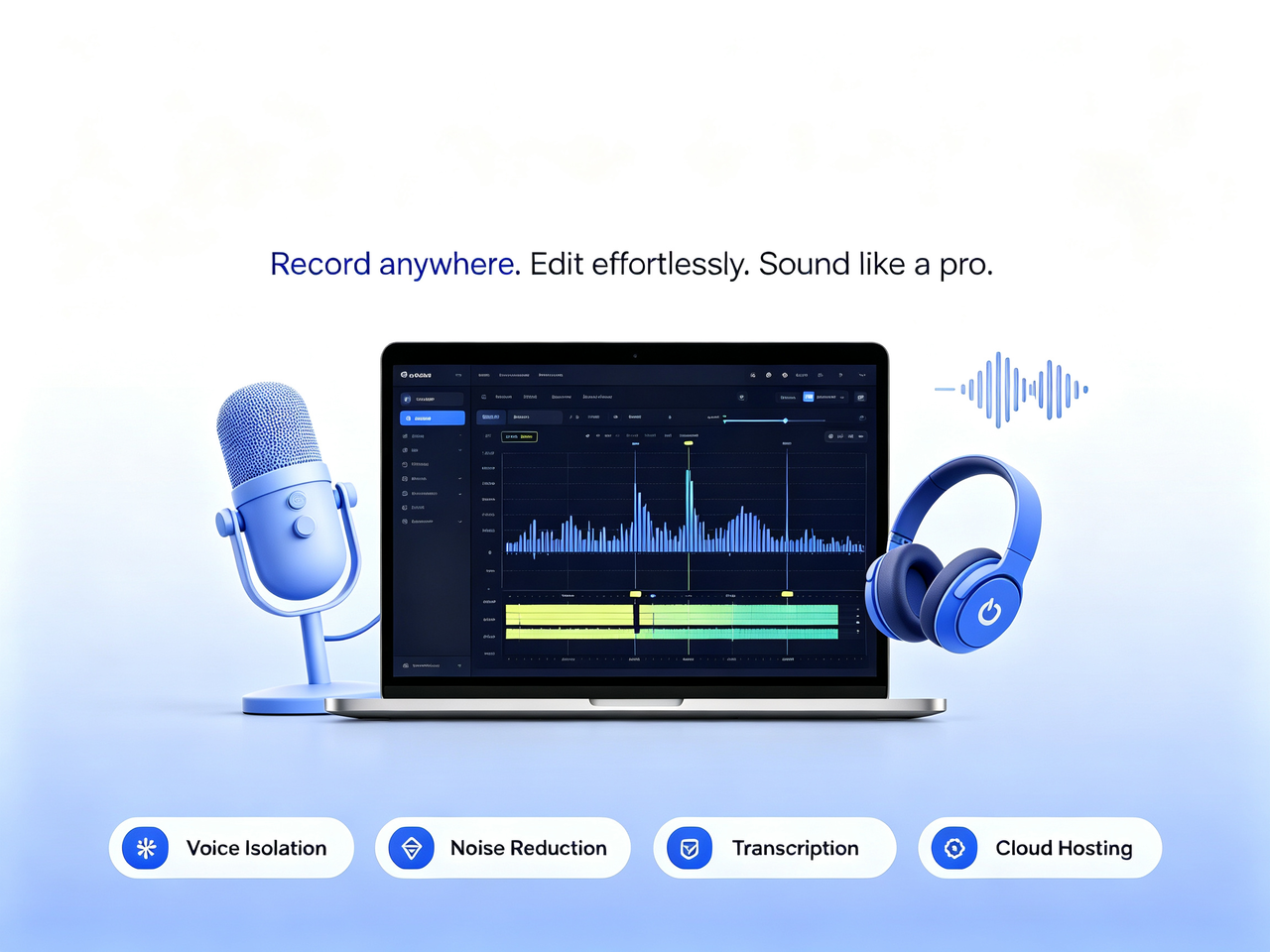
Studio-Quality Podcasts Without a Sound Booth
Podcasts and interviews often suffer from background noise like hissing, electrical hum, traffic, or air conditioning. DeVoice helps you remove background noise from audio online by isolating voices and reducing unwanted sounds automatically. Whether you record in a home studio or on location, our AI delivers clean, natural-sounding speech that’s easy to listen to — no post-production team required.

Clear Voice on Every Call, Even at Home
Online classes, webinars, and virtual meetings demand clear audio to keep people engaged. DeVoice allows you to remove background noise from audio recordings caused by keyboard typing, household sounds, street noise, or office chatter. By improving speech clarity, our AI helps educators, trainers, and remote teams communicate more effectively and sound professional in every session.
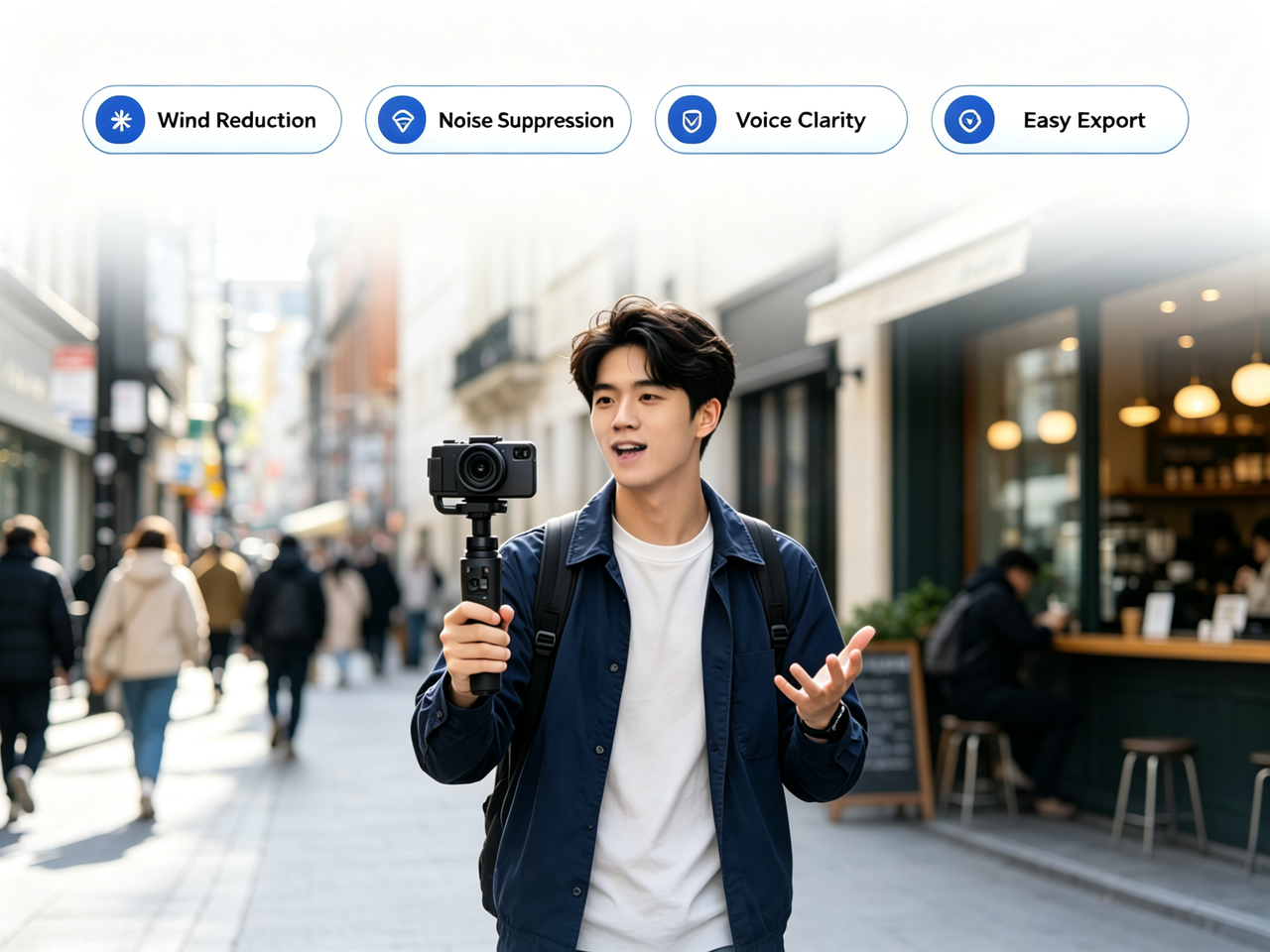
Clean Audio for Vlogs Shot Anywhere
Vlogs and social videos are often recorded in real-world environments where wind, traffic, and ambient noise are unavoidable. DeVoice makes it easy to remove background noise from audio online, even when footage is shot on a smartphone or camera without external microphones. Clean audio makes your content sound more professional and keeps viewers watching longer.
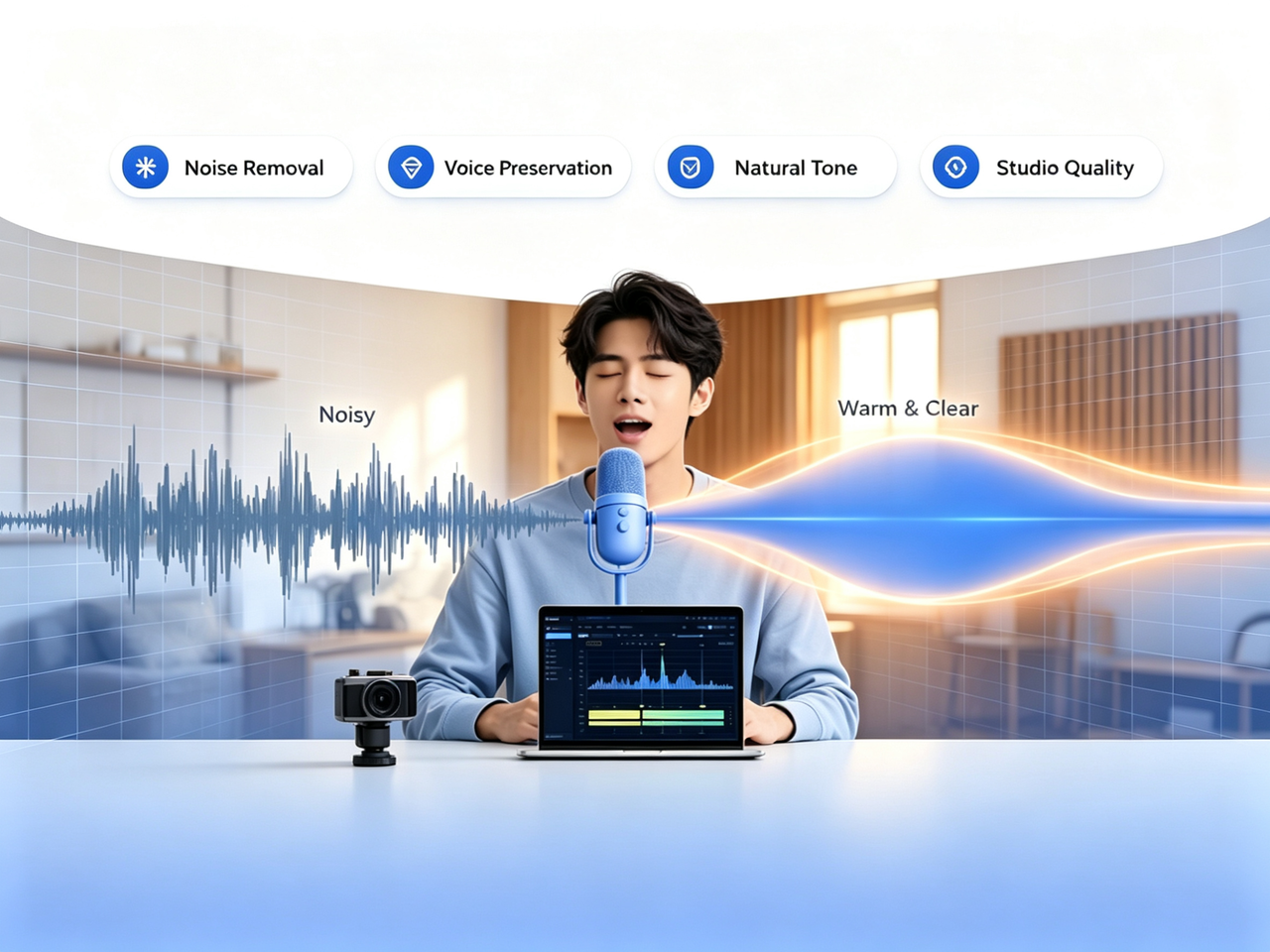
Clean Vocal Takes Without Losing Warmth
For musicians and audio creators, unwanted noise can ruin an otherwise great take. DeVoice helps remove background noise from audio while preserving the depth of vocals and instruments. Our AI detects hiss, static, and white noise without damaging sound quality, making it easier to refine demos, vocal tracks, and music projects.
FAQ
On which devices can I use DeVoice to remove background noise?
DeVoice is a fully web-based tool that works on all major devices. You can remove background noise from audio online using Windows, macOS, iOS, or Android—no app installation required.
How does the AI remove background noise while keeping voices clear?
How long does it take to remove background noise from audio?
Do I need to register or pay to remove background noise?
Are my audio and video files secure during processing?
How can I remove background noise from recorded audio or video?
Can I remove background noise from video?
Will removing background noise damage my audio quality?
Remove Background Noise Free Today
Upload your audio or video and hear the difference AI makes. Clean voice in seconds — free, fast, and no sign-up required.