

How to Actually Get Better at Math
10m 37s
Black Friday is live
Already have an account?
DeVoice free video to SRT converter automatically extracts speech from any video and generates accurate subtitle files with timestamps. Upload MP4, MOV, AVI, or MKV and get ready-to-use SRT files — no manual typing, no timing headaches.
Upload or drag audio / video
Max 500MB

Core tools
Upload any video and get a frame-accurate SRT file — no typing, no timing, no format friction.
Upload any video and DeVoice generates a complete SRT subtitle file automatically. The AI transcribes speech, splits it into readable chunks, and assigns precise start/end timestamps — so you get a production-ready SRT file in minutes, not hours.
Every subtitle line is timed to the exact frame of your video. DeVoice calibrates timestamps against the audio waveform, ensuring captions appear and disappear in perfect sync — no drift, no early or late lines.
Generate SRT subtitles in 100+ languages and regional dialects. Whether your video is in English, Spanish, French, Japanese, or a mix of languages, DeVoice produces accurate video to SRT output for global audiences.
DeVoice accepts every major video format — MP4, MOV, AVI, MKV, WEBM, FLV, and more. No need to convert your video first. Upload directly and get your SRT file without format friction.
For multi-person videos, DeVoice automatically identifies speakers and includes speaker labels in the SRT output. Perfect for interviews, panel discussions, and vlogs with multiple hosts — viewers always know who's speaking.
Fine-tune your SRT before downloading. Edit text, adjust timing, merge or split lines, and fix any errors directly in the browser. No software installation required — everything happens online.
Convert multiple videos to SRT simultaneously. Upload a batch of files and DeVoice processes them in parallel — ideal for content agencies, course creators, and media teams with large video libraries.
Download your subtitles in the format you need. SRT for YouTube and most players, VTT for web video and HTML5, or plain TXT for transcripts and blog posts. One video, every output format.
Trusted by creators, video editors, educators, and corporate teams worldwide.
 Creators
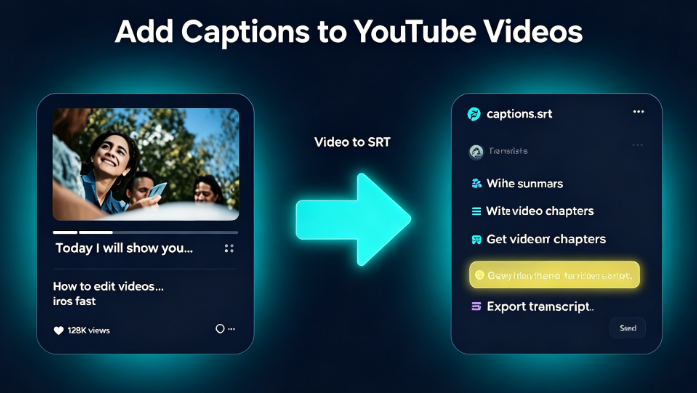
Creators use video to SRT to add captions to YouTube videos, TikTok clips, and Instagram Reels. SRT files boost watch time, improve SEO, and make content accessible to deaf and hard-of-hearing viewers — plus they unlock auto-translation to reach global audiences.
Video editors know that typing and timing subtitles in Premiere, DaVinci Resolve, or CapCut takes forever. DeVoice video to SRT generates timed subtitle files in minutes — import the SRT directly into your editing software and skip the tedious manual work entirely.
Online course platforms require captions for accessibility compliance. DeVoice converts lecture recordings, tutorials, and webinars to SRT quickly, so educators can meet WCAG standards, help students learn at their own pace, and repurpose video content into written lessons.
Corporate L&D teams use video to SRT to caption training videos, onboarding modules, and company announcements. Accessible captions ensure every employee can engage with content — whether they're watching without sound, in a noisy office, or need accommodation support.
Auto-generate frame-accurate SRT subtitles from any video — no manual typing required.
Drag and drop your video file (MP4, MOV, AVI, MKV, WEBM, etc.), or paste a URL.
DeVoice transcribes the audio and creates a timed SRT subtitle file automatically.
Review and fine-tune subtitles in the browser editor, then download as SRT, VTT, or TXT.
Everything you need to know about DeVoice video to SRT conversion.
Simply upload your video file to DeVoice. The AI automatically transcribes the speech, splits it into subtitle lines, and assigns timestamps. You can then edit the result and download an SRT file — the entire process takes minutes.
Auto-generated, frame-accurate SRT files for YouTube, social media, courses, and corporate training. Free preview, 100+ languages, no installation required.