
+500 credits
Free when you sign up today
Already have an account?
Enhance Audio and Video quality with AI
Enhance audio & video online with AI. Remove background noise, separate vocals, and purify voice tracks in seconds.
Reduce Noise & Enhance Audio
Remove unwanted background noise and bring out clear, natural speech in any audio or video.
Drop your audio or video here
Drag and drop, or click to select • MP3, WAV, M4A, FLAC, MP4 • Guests: up to 10 min video / 30 min audio
Hear the Difference DeVoice Makes
Choose a mode and a sample, then press play to compare.
DeVoice Free Audio Enhancer for Every Kind of Recording
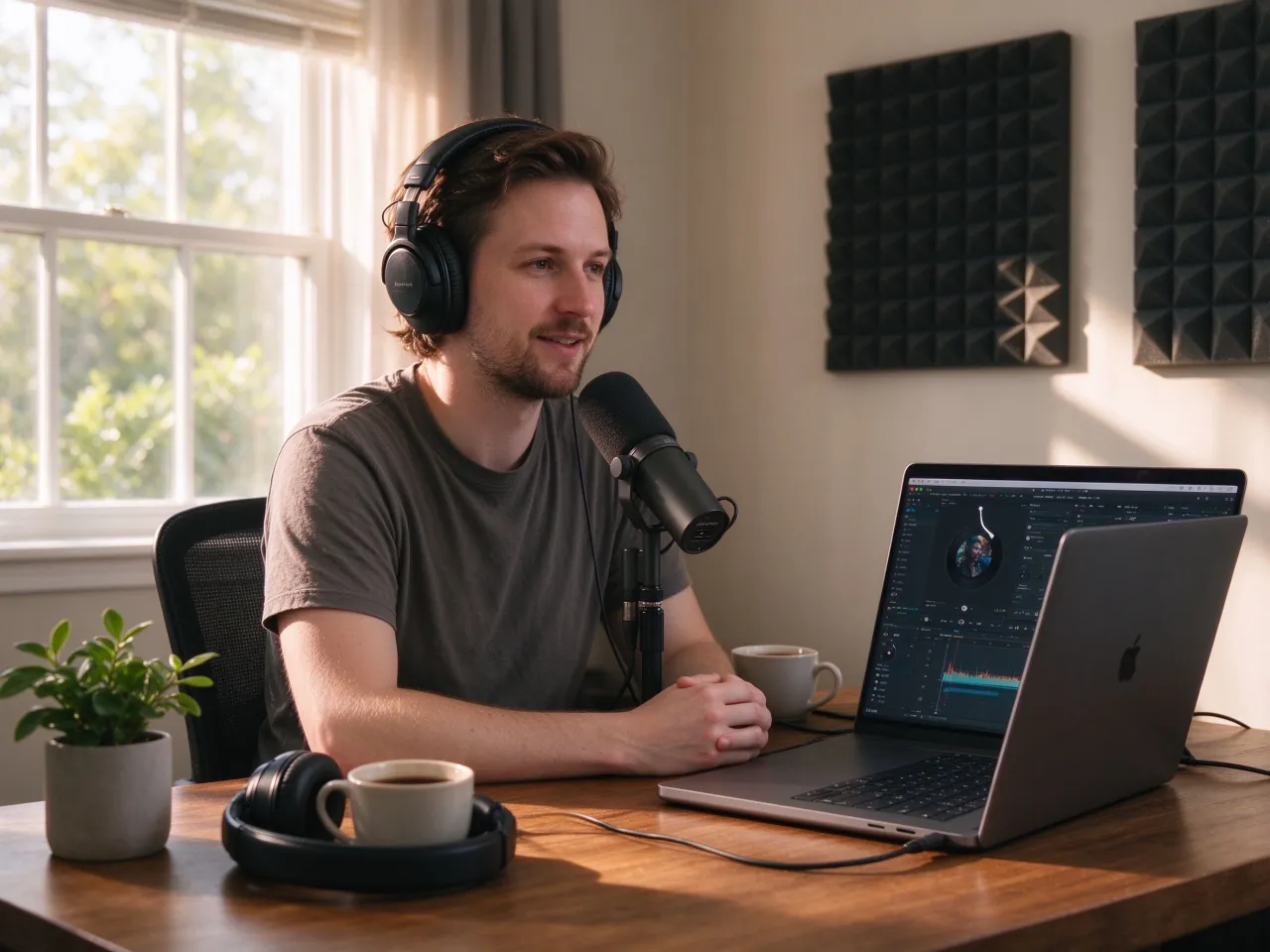
Podcast & Remote
Clean Up Home Studio & Podcast Recordings
Podcasters and remote creators often record in bedrooms, home offices or spare rooms, where fan noise, room reverb and keyboard clicks sneak into every take. DeVoice’s AI audio enhancer removes these artifacts automatically, so your podcast sounds as if it was tracked in a treated booth, not a closet. Whether you need to enhance audio for a remote interview, a solo episode or a roundtable, the result is clean and broadcast-ready.

Field & Documentary
Salvage Field Recordings & Location Sound
Journalists, documentary makers and videographers can’t control traffic, wind, café ambience or crowd noise at the source. DeVoice’s audio enhancer isolates human speech from background chaos, turning rough field recordings into clear interview tracks ready for editing and broadcast. You don’t need a studio to capture good sound: enhance audio on location and salvage takes you would otherwise discard.
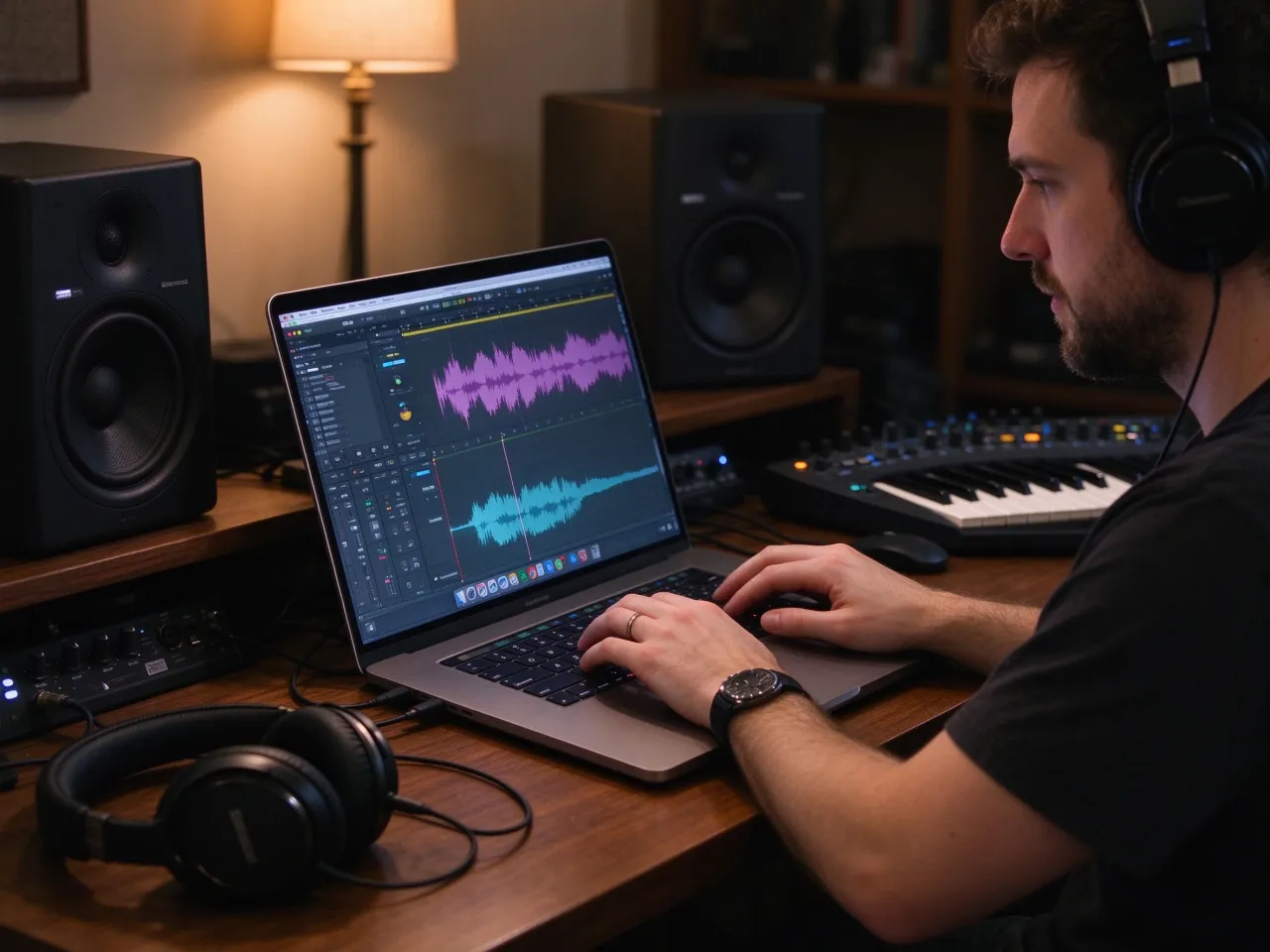
Music & Production
Polish Demos, Vocals, and Samples
Musicians and producers working with phone demos, lo-fi recordings or reference tracks need clean vocals before mixing. DeVoice’s audio enhancer separates voice from the instrumental bed, reduces mud and hiss and brings out vocal presence, so acapellas, samples and demos are ready to work with. Instead of re-recording, enhance the original take and get a usable track in minutes.
More DeVoice Audio Tools
More AI tools that turn raw recordings into studio-quality sound.
Remove Background Noise
AI noise reduction removes hum, hiss, fan noise, traffic, and room echo from any recording in one click.
Remove NoiseAudio Extractor
Pull high-quality audio tracks from any video file (MP4, MOV, WebM) and save as MP3, WAV, or M4A.
Extract AudioAudio to SRT
Convert audio files to SRT subtitle files automatically with accurate timestamps for any language.
Convert to SRTVideo to SRT
Generate subtitles from video content: extract speech, sync to timing, and export ready-to-use SRT.
Generate SRTHow to Use the Free Audio Enhancer in 3 Steps
Upload your file
Drag and drop any audio or video file, or paste a link.
Choose your enhancement
Select noise removal, vocal separation, or voice purification. AI processes automatically.
Preview and download
Listen to the enhanced result, adjust if needed, and download as WAV, MP3, or M4A.
Free Audio Enhancer FAQ
Yes. DeVoice is a free audio enhancer with daily processing limits and no credit card required. You can enhance audio, remove background noise and separate vocals for free on shorter files. Paid plans unlock longer durations, batch processing, higher export quality and commercial use rights for teams and businesses.
Try the Free Audio Enhancer Today!
Clean, separate and purify any recording in seconds. Free to try!