

AI Voice Isolator - Clear Voice, Preserved Ambience
Enhance and isolate any voice with AI in seconds.
Remove Background Music
Separate vocals, instruments and other stems from audio or video.
Drop your audio or video here
Drag and drop, or click to select • MP3, WAV, M4A, FLAC, MP4 • Guests: up to 5 minutes
DEVOICE AI AUDIO SERVICE LIST
Explore more AI-powered Enhancement services
Explore more AI-powered audio processing services at DeVoice to meet your diverse multimedia creation needs.
Why Use DeVoice’s AI Voice Isolator Tool?
Devoice is built for creators, professionals, and everyday users who need clean voice audio without complex editing. Our AI isolates speech intelligently, keeping voices natural while removing distractions.
Isolate Voice with Precision
Devoice is built for creators, professionals, and everyday users who need clean voice audio without complex editing. Our AI isolates speech intelligently, keeping voices natural while removing distractions.
Enhance Speech Automatically
Boost volume, balance frequencies, and improve intelligibility with AI voice enhancement.
Remove Noise Without Manual Editing
No timelines, filters, or audio skills needed — AI handles everything.
Works on Any Device
Desktop, tablet, or mobile — enhance and isolate voice directly in your browser.
100% Online & Secure
No downloads, no software, and no file storage after processing.
Fast One-Click Processing
Enhance and isolate voice audio in seconds, no waiting for lengthy renders.
How to Enhance and Isolate Voice with AI
Follow these simple steps to transform your audio.
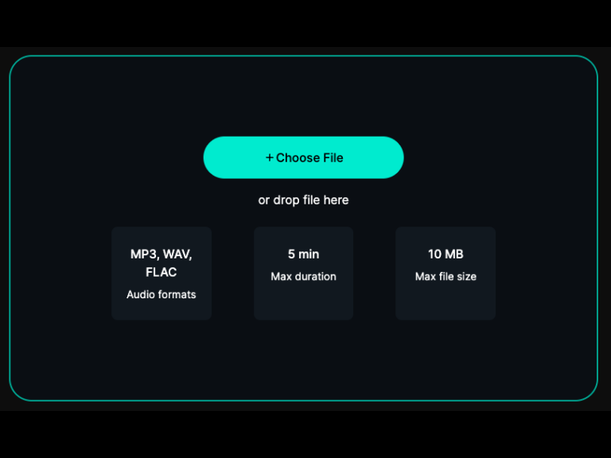
Step 1: Upload your audio or video file.
Supports all common formats including MP3, MP4, WAV and more.
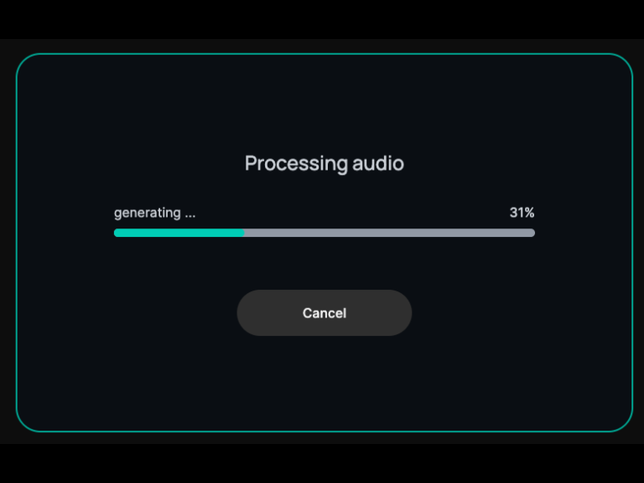
Step 2: Let the AI voice isolator separate the spoken voice automatically.
The AI works in seconds to separate vocals from background noise and echoes.
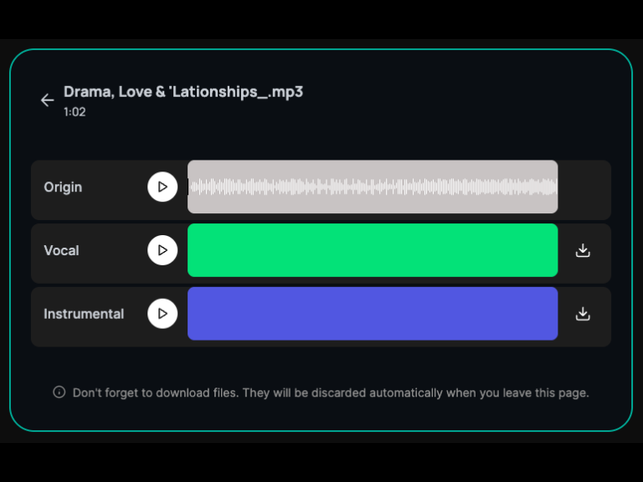
Step 3: Preview the result and download your clean audio.
Download the final file with one click, keeping the original quality intact. Fast, simple, and designed for real-world recordings.
All these real-world scenarios use an AI Voice Isolator.

Cut Noise, Amplify Your Voice
Use an AI voice isolator to effortlessly separate vocals from distracting background noise, ambient sounds, or room echoes, producing crisp, professional-quality podcast episodes, voiceovers, and audio narrations. Your voice stays front and center while all the clutter fades away — no tedious manual editing is required.

No More Muffled Chatter or Keyboard Clicks
Enhance speech clarity and precisely isolate unwanted background distractions from recorded virtual calls, professional interviews, and remote meetings. Cut through keyboard clicks, ambient room noise, and distant chatter to highlight every spoken word clearly, making important conversations easy to follow, review and reference later with total clarity.

Make Your Voice the Star of Every Clip
Extract crystal-clear voice audio for all your social media content—including reels, TikTok videos, YouTube shorts, and long-form video uploads—by isolating vocal tracks from background music, environmental sounds or filming noise. Clean, enhanced voice audio boosts audience engagement and ensures your narration, dialogue and commentary stands out in every piece of video content you create.

Cut Static, Amplify Teacher’s Voice
Improve the quality of lecture recordings, online lessons and educational audio by isolating the speaker’s voice from classroom noise, technical static or background disruptions. Crisp, enhanced vocal clarity makes educational content far easier for students to listen to and comprehend, elevating learning experiences and making study recordings more valuable for review and revision.
FAQ
What is an AI voice isolator?
It uses artificial intelligence to separate and enhance spoken voice while reducing background noise automatically.
Can I isolate voice from noisy recordings?
Do I need audio editing experience?
Is the tool free to use?
Is my audio safe?
What devices can I use this tool on?
Enhance Your Voice Instantly
Get clean, professional-quality vocals without editing skills. Try DeVoice’s AI voice isolator and transform your audio in seconds.