
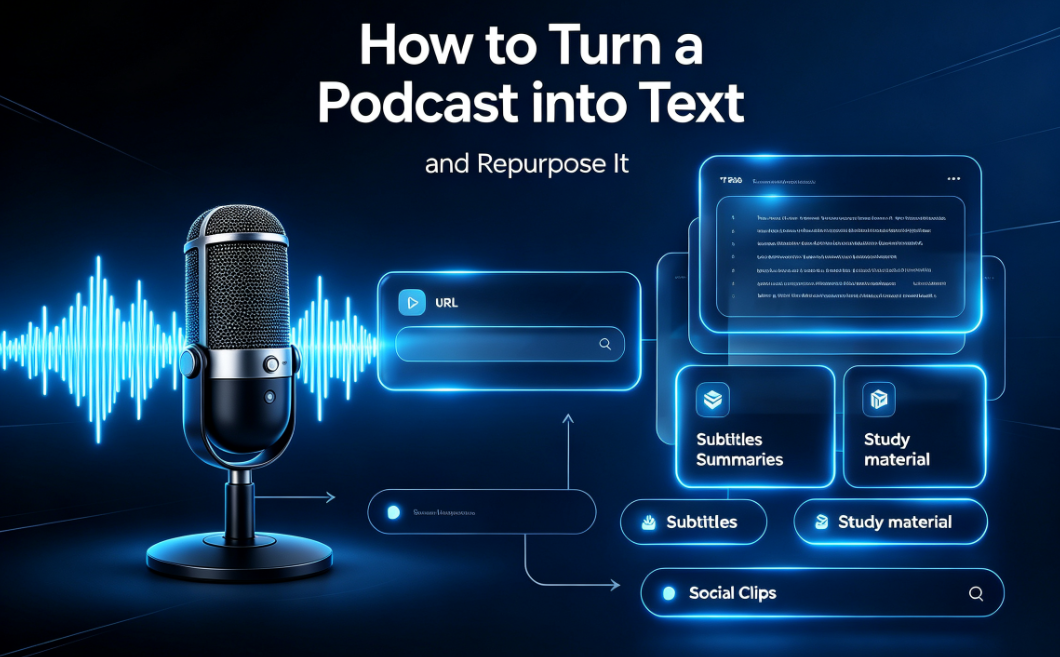
Podcasters are sitting on a content goldmine they rarely use. A single 40-minute episode contains quotes, stories, hot takes, and structure — but it's locked inside an audio file that's hard to search, quote, or repurpose. The fix is simple: convert the podcast to text with AI, then reshape that transcript everywhere.
This guide walks through why transcription matters, how to do it in three steps, and the five content formats you can spin out of one transcript. Whether you're a solo host or a content team, a podcast transcript generator turns one recording into a week of distribution.
Why this matters: Episodes with a transcript rank for the words you actually said, become accessible to deaf and hard-of-hearing listeners, and give you editable text to repurpose. One episode, many outcomes.
Why transcribe your podcast
A podcast transcription is the full spoken text of an episode, lined up with the timeline so each line matches the moment it was said. Once you transcribe podcast episodes into text, three things open up:
- SEO: Publish the transcript as a blog post and you start ranking for the phrases in your episode — not just the title.
- Accessibility: Deaf and hard-of-hearing listeners can read along, and transcripts are required by many institutional and corporate standards.
- Repurposing: Every quote, segment, and chapter becomes reusable text for other channels.
How to convert a podcast to text
The manual route — replaying the episode and typing — takes longer than recording it. An AI podcast to text converter does it in minutes. Here's the workflow:
- Get the audio — Export the mp3, wav, or m4a from your host, or copy a public episode link.
- Transcribe it — Upload the file or paste the link into DeVoice. AI returns a timed, speaker-labeled transcript.
- Repurpose — Export TXT, DOCX, or SRT and turn it into show notes, a blog post, and clips.
You can transcribe a podcast to text from an audio file directly — mp3, wav, m4a, or flac — without needing a hosting link. If your host exposes a public URL, pasting that works too. Either way, the output is an editable transcript with timestamps and speaker labels.
Turn one transcript into five pieces of content
This is where the time investment pays off. Once you have a clean transcript:
- Show notes — Pull three quotes, list segment timestamps, write a short summary. Ten minutes of editing instead of an hour of replaying.
- Blog post — Paste the transcript into a draft, add an intro and a conclusion, and you have a searchable article.
- Social clips — Export SRT, cut a 30-second video clip, and burn in captions from the transcript.
- Newsletter — Lift the key section into an email with a "listen to the full episode" CTA.
- Quote graphics — Pull standalone lines and turn them into shareable images.
Pro tip: On DeVoice, Pro users can generate an AI summary of the episode's key points — a ready-made newsletter draft or show-note skeleton in seconds.
What to look for in a podcast transcript generator
Not all tools are equal. When you convert podcast to text, check for:
- Speaker labels — Host and guest separated automatically, so the transcript reads like a script, not one block.
- Timestamps — Each line tied to the timeline, so you can jump to any quote or chapter.
- Export formats — TXT, DOCX, SRT, VTT, and CSV — SRT for clips, DOCX for editing, CSV for timestamps.
- Accuracy — 95%+, with a higher-accuracy model for noisy rooms and overlapping guests.
Common mistakes to avoid
- Publishing the raw transcript unedited. Guest names, product terms, and song titles are where auto systems slip — a two-minute read-through protects your credibility.
- Ignoring speaker labels. Without them, a two-host show becomes unreadable.
- Leaving it as audio-only. A transcript is the single highest-leverage asset for a podcast; not using it wastes the episode.
Frequently asked questions
What is the best way to convert a podcast to text?
The fastest way is to use a podcast transcript generator: upload the episode audio (mp3, wav, m4a) or paste a public link, and the AI returns an editable, timestamped transcript within minutes. Manual transcription by ear takes hours and is error-prone.
Can I transcribe a podcast to text from an audio file?
Yes. Export the episode file from your host and upload it directly. A podcast to text converter handles mp3, wav, m4a, and most video formats without needing a hosting link.
What can I do with a podcast transcription?
A podcast transcription becomes show notes, blog drafts, social clips, newsletters, and SEO descriptions. One episode can fuel five pieces of content without recording anything new.
Do AI podcast transcripts include speaker labels?
Good tools do. DeVoice separates host and guest automatically, so the transcript reads like a script with who-said-what, not one long block of text.
Is there a free podcast to text converter?
Yes. DeVoice's free tier includes 3 transcriptions per day up to 5 minutes each, with all export formats and speaker labels included — no credit card required.