

How to Actually Get Better at Math
10m 37s
+500 credits
Free when you sign up today
Already have an account?
Welcome to DeVoice! Free to Transcribe audio, video, and YouTube content into accurate, editable text now!





Supports YouTube, TikTok, Instagram, X (Twitter), Facebook, and public media file links. The link must be publicly accessible.

AI Transcription Tools
Explore AI-powered audio and video transcription tools designed to help you transcribe faster and more accurately.
Transcribe YouTube, TikTok & online videos into timestamp‑ready text in one click.
Turn YouTube, TikTok and other online videos into usable text without manual typing. Locate exact quotes and key moments instantly via searchable transcripts with timestamps.
Repurpose video content faster: pull scripts, social‑media copy, highlights and quotes for content creation. Generate ready‑to‑edit SRT/VTT subtitles to fix platform‑auto‑caption inaccuracies. Handle noisy audio, diverse accents and casual slang for reliable outputs.
Transcribe YouTube Video to Text Now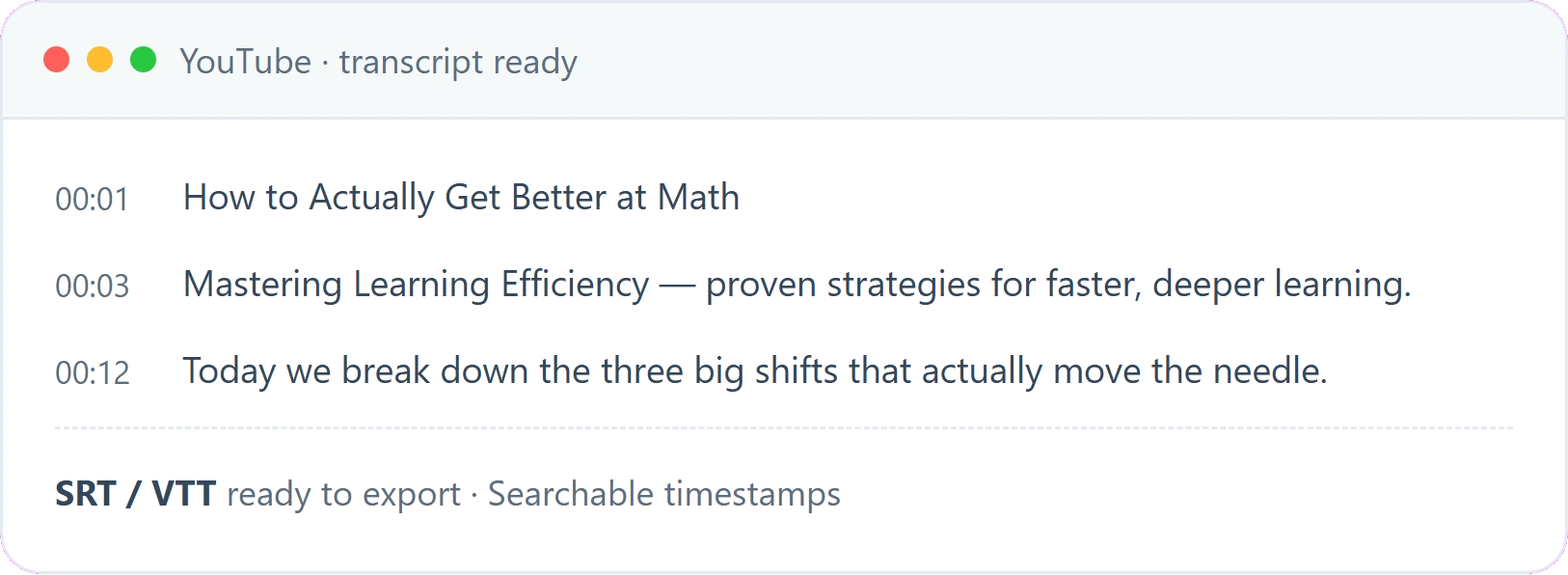
Capture Every Word Automatically for Calls, Interviews and Team Meetings
Stop scrambling to take notes while you should be listening. DeVoice meeting transcription tool records and transcribes conference calls, team standups, customer interviews, and one-on-one conversations into structured, timestamped text you can revisit anytime.
Automatic speaker detection keeps who-said-what clear, and the AI summary highlights key decisions and action items so nothing slips through the cracks. Interviewers and researchers can turn recorded sessions into verbatim transcripts for analysis, while teams get searchable meeting notes that sync with their workflow. Support for multi-language transcription means global calls are no problem.
Start Audio Recording Transcription Now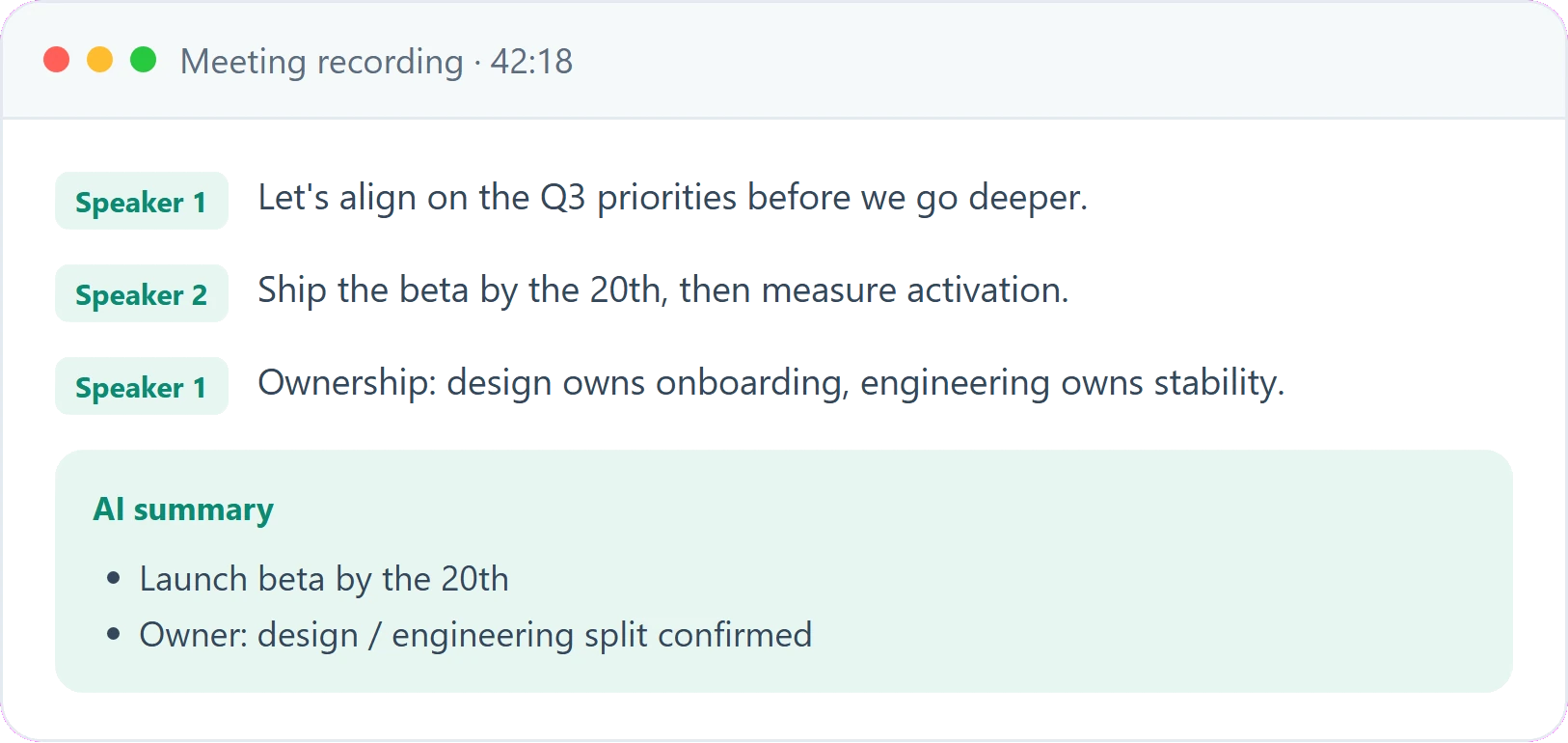
Word‑Accurate Records You Can Trust — Edit, Revise and Save Your Transcripts
Get reliable timestamped transcripts for interviews, study sessions, team meetings and other conversations. Edit, revise and save multiple versions of your transcripts directly on the platform. Generate summaries following different custom formats and auto-create mind maps to distill key points for quick review.
The AI engine handles complex terminology and overlapping speakers well. Locate key moments easily via time-coded segments, export your finished work in common file formats, and keep your source recordings and transcripts securely stored. Finish reviewing and organizing your content all within one unified workspace.
Start Transcribe for Accurate Transcripts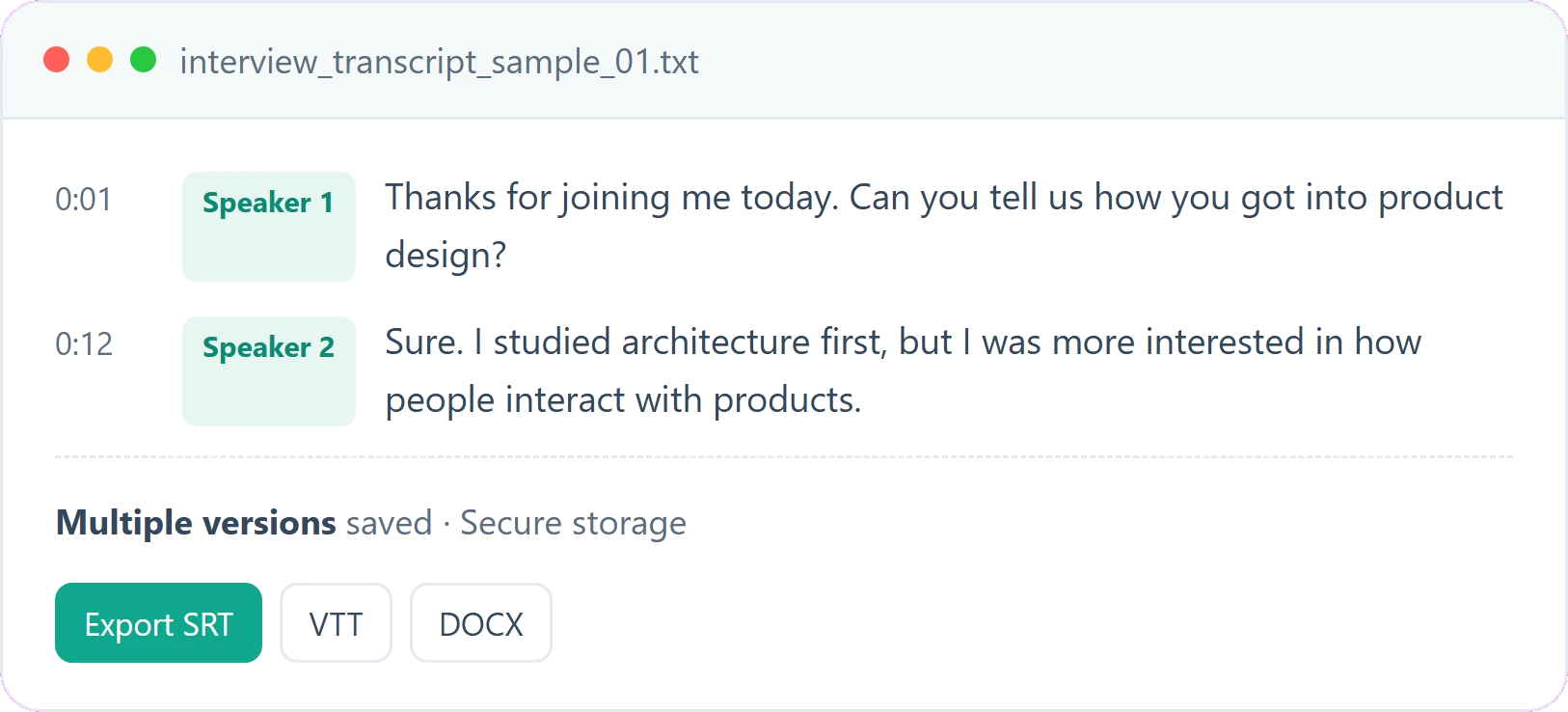
SIX MAJOR ADVANTAGES OF DEVOICE
There are many transcription tools out there. Here is why thousands of creators and teams choose DeVoice over the alternatives.
Automatically labels who said what, keeping every speaker's lines clearly separated.
Click-to-second timestamp navigation—click any line to jump straight to that moment in your audio.
Built-in noise reduction cleans your audio before transcription for sharper results.
Export professional subtitles in SRT and VTT, ready for YouTube, TikTok and your publishing workflow.
Edit transcripts and AI summaries in-browser, with every change auto-saved to your account.
All past transcripts are stored and full-text searchable—find any recording in seconds.
Most services hide features behind a paywall or force an account, DeVoice does neither—upload a file and get your transcript immediately.
Modern AI speech recognition stays accurate even with background noise, multiple speakers, and varied accents.
Your files are processed securely and are not used to train models. We do not share your transcripts with anyone, and files are deleted after processing.
USER GUIDE
DeVoice's simple-and-fast AI transcription lets you go from raw recording to finished transcript in under a minute — here is exactly how.
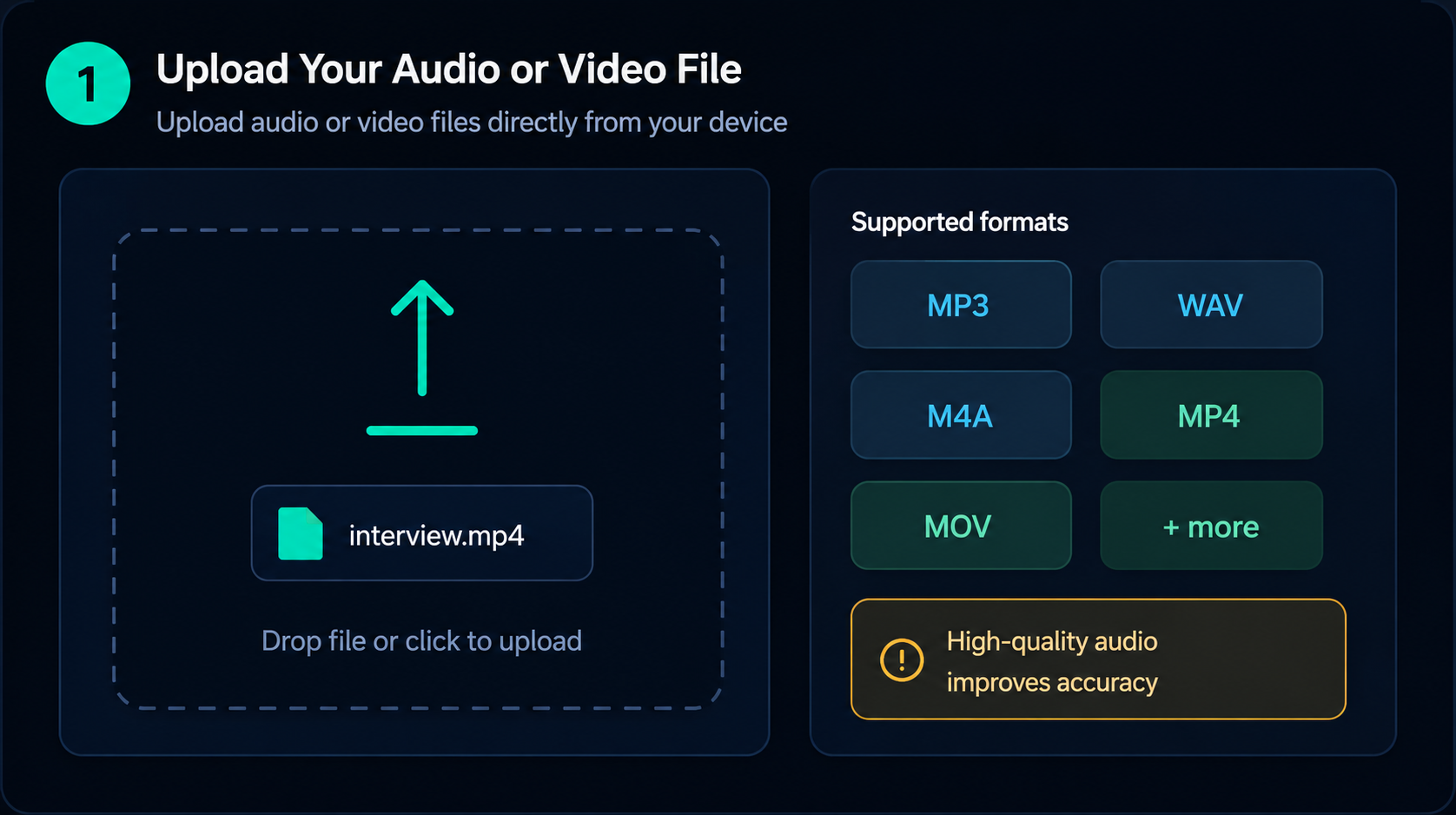
STEP 1
Drag and drop a file or paste a link, then run built-in noise reduction to clean up the audio before transcription.
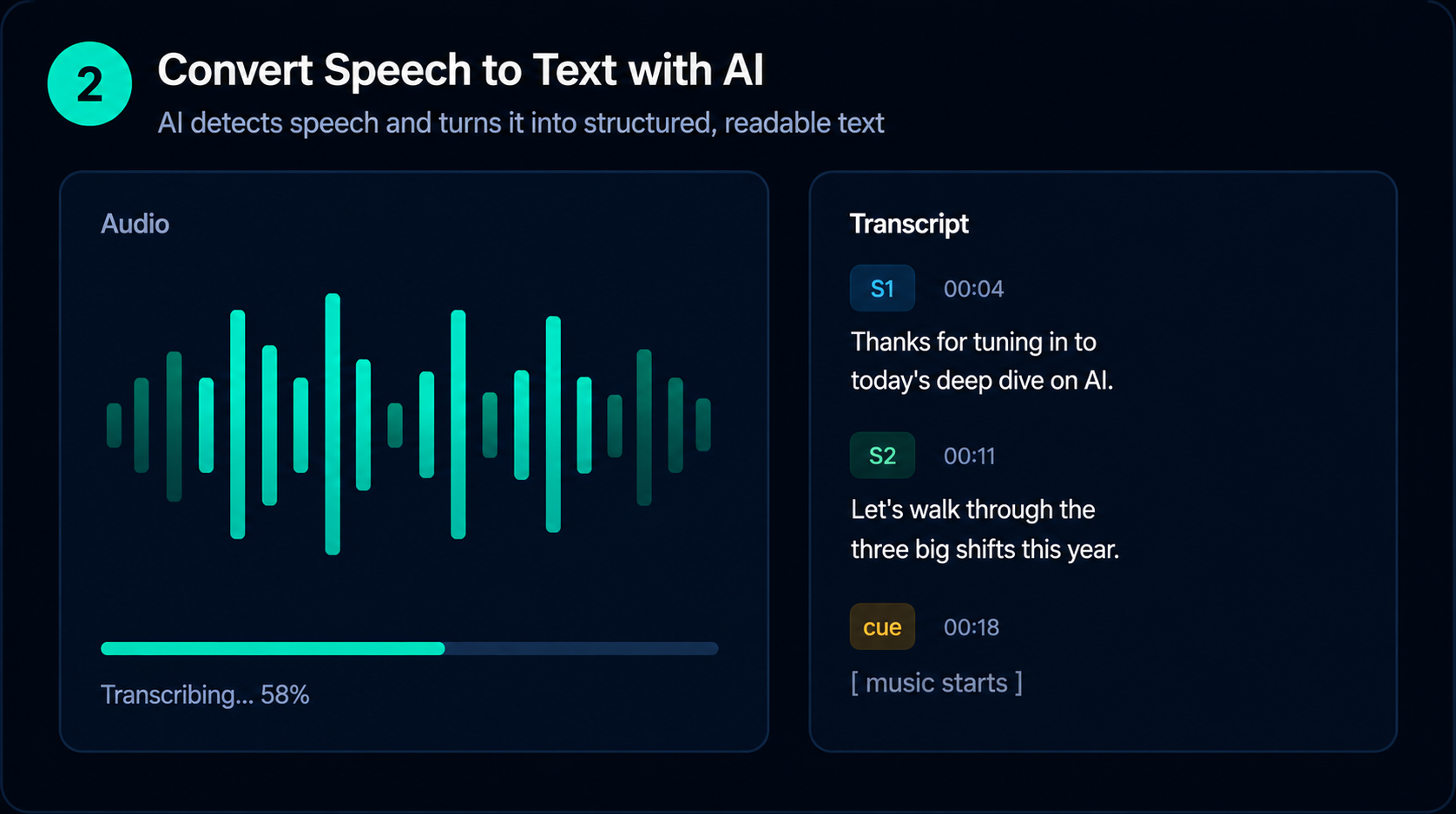
STEP 2
DeVoice generates a time-coded transcript and an AI summary in minutes, with speaker detection and multi-language support.
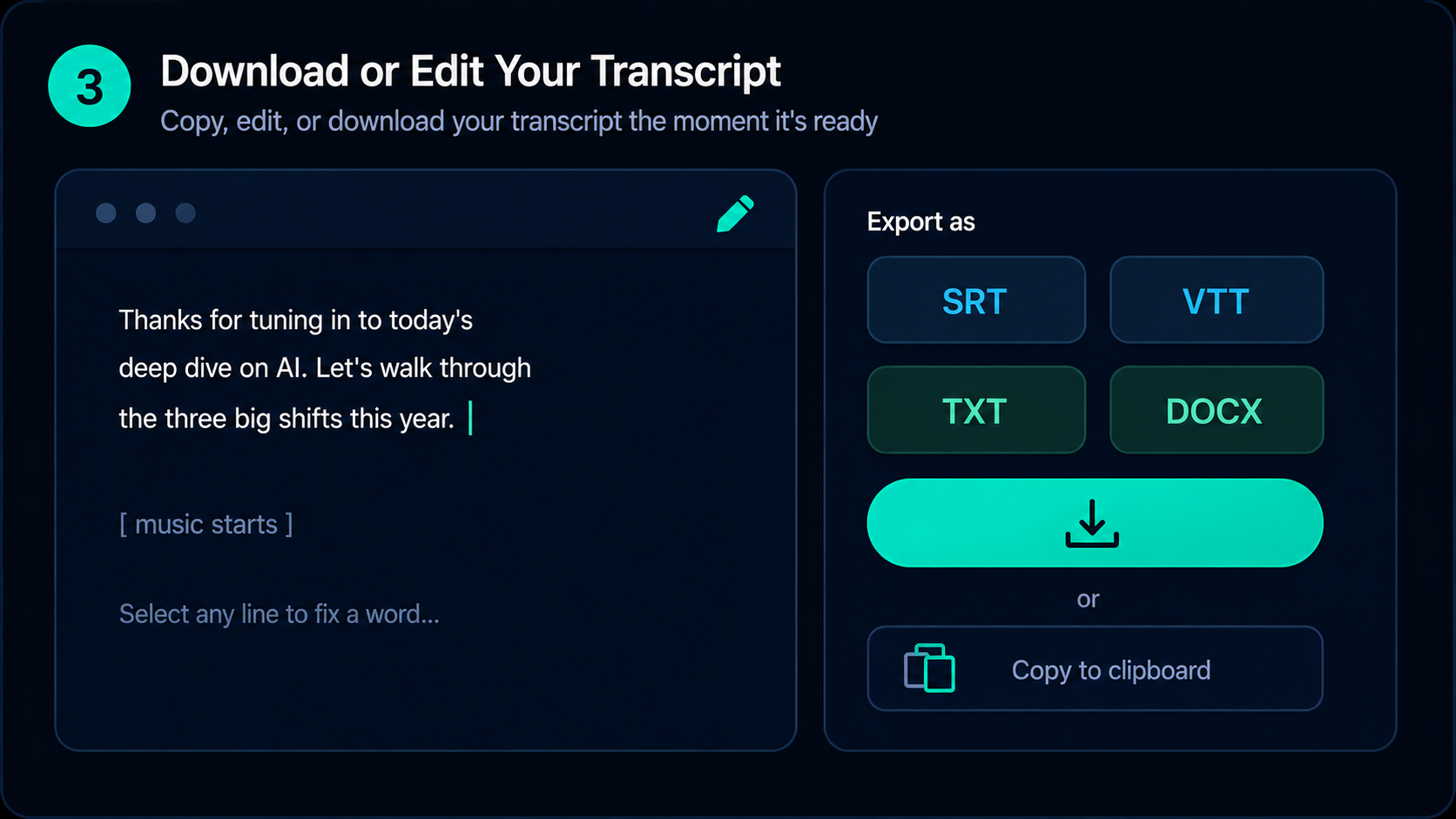
STEP 3
Refine the transcript and summary right in your browser, then export as SRT, VTT, DOCX, or CSV — or find it later in your searchable history.
DEVOICE AI TRANSCRIPTION SERVICE LIST
Explore more AI-powered transcription services at DeVoice to meet your diverse transcription needs.
ABOUT SERVICES YOU SHOULD KNOW
DeVoice is an AI-powered transcription platform that converts audio and video into accurate text. Upload MP3, WAV, MP4, MOV, and 25+ formats, transcribe, edit, export in various formats like TXT, SRT, DOCX — all with a free tier to get started.




Start using DeVoice to turn audio and video into accurate text with fast, AI-powered transcription.