


How to Actually Get Better at Math
10m 37s
Upload audio files in any formats. You can also directly enter a link or record audio to get word-level accurate transcripts.
Upload or drag audio / video
Max 500MB

Complete the audio-to-text transcription in 1 minute. Please refer to the quick guide of DeVoice.
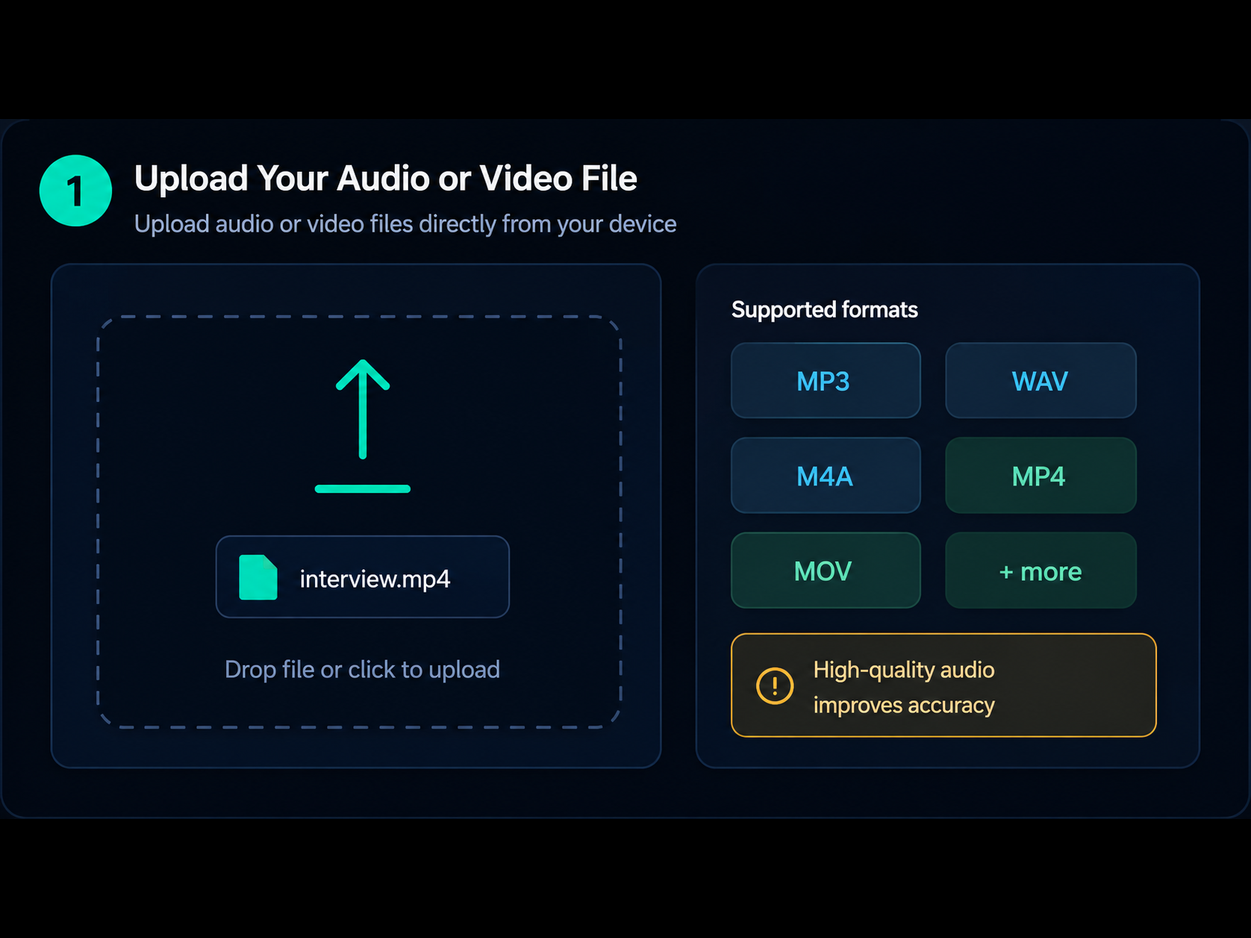
DeVoice makes it easy to transcribe audio to text from any source: drag and drop a file (MP3, WAV, M4A, MP4, MOV, WebM), paste a direct audio or video URL, or hit record and capture live audio right in your browser. No installation or sign-up required — everything runs instantly.
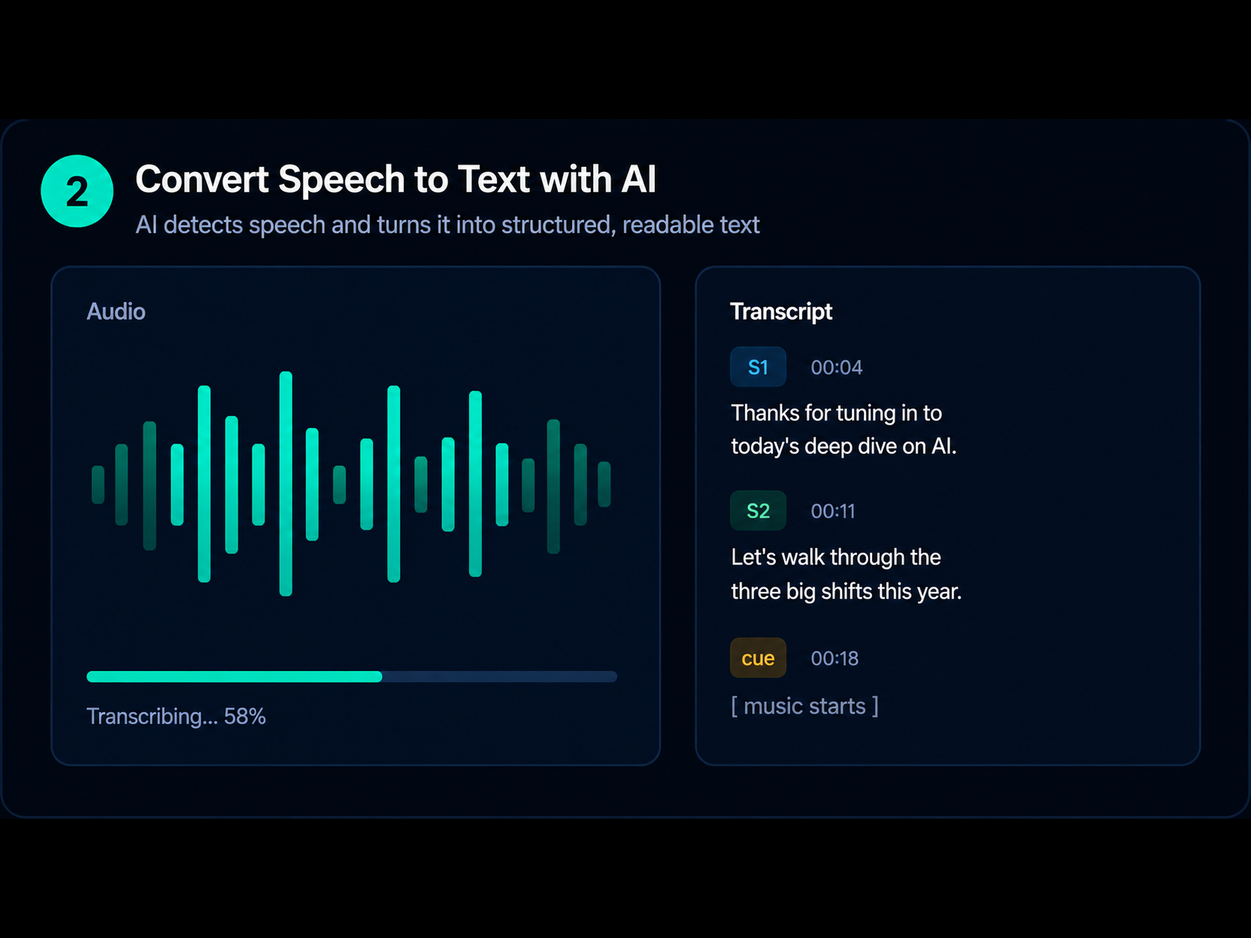
DeVoice's AI speech recognition engine processes your input in seconds to transcribe audio to text with high accuracy. It automatically detects the language, identifies speakers, and generates a timestamped transcript. For noisy recordings, the built-in noise removal cleans the audio first to maximize accuracy.
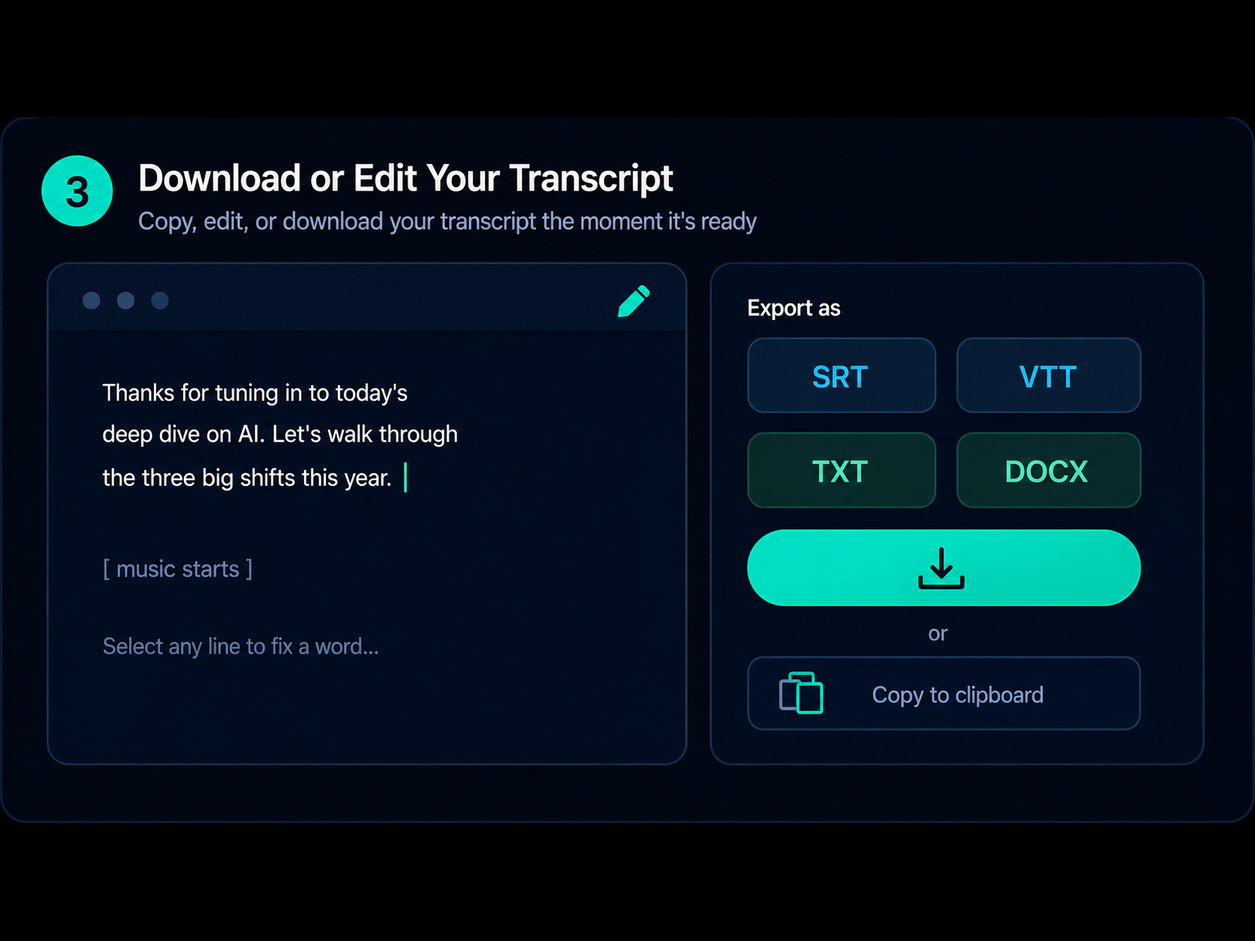
View the transcript on screen, make quick edits directly in the editor, and export in your preferred format — TXT for notes, SRT/VTT for subtitles, DOCX for documents, or CSV for data analysis. Speaker labels and timestamps are preserved in every export.

Podcasters and journalists often face the tedious task of sorting through hours of recordings to extract key insights, craft show notes, or publish articles. DeVoice makes it effortless to transcribe audio to text automatically with high accuracy — turning raw podcast recordings into clean, editable transcripts in seconds. Instead of spending hours on manual typing, you can transcribe audio to text once and use it for show notes, blog posts, newsletter excerpts, and social clips. Our AI-powered transcription tool handles interviews, voice recordings, and long-form episodes with speaker labels and timestamps built in.

In the fast-paced world of remote work, it's easy to miss important details during meetings, calls, and discussions. DeVoice lets you instantly transcribe audio to text from Zoom calls, team meetings, and business conversations, ensuring that every decision, action item, and insight is captured accurately. When you transcribe audio to text, you get searchable meeting notes you can share, reference, and revisit — no need to replay the recording multiple times. It's the fastest way to transcribe audio to text for documentation, collaboration, and team productivity.
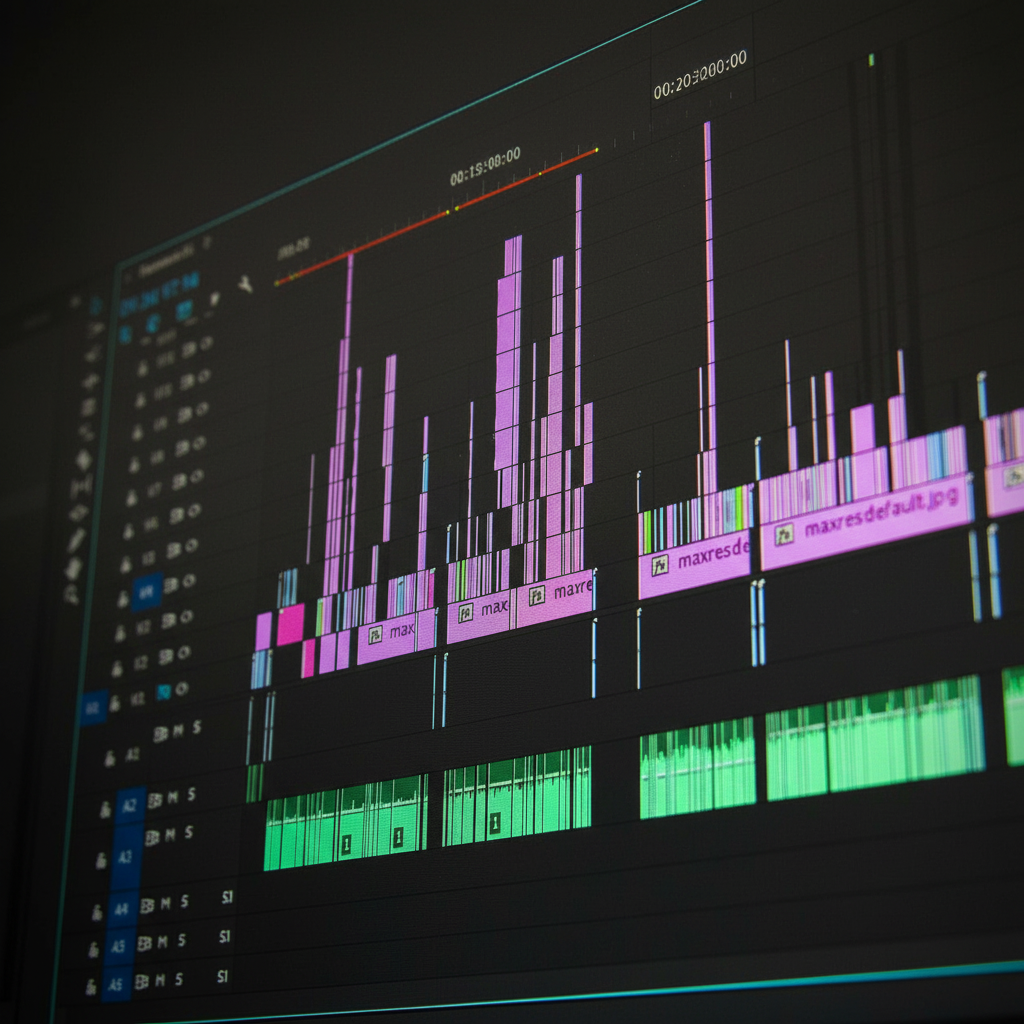
Content creators are constantly looking for ways to scale their output and reach wider audiences. DeVoice makes it easy to transcribe audio to text from YouTube videos, tutorials, podcasts, and live streams — turning spoken content into blogs, captions, and social media posts. When you transcribe audio to text, you unlock repurposing: one recording becomes a written article, video subtitles, a thread, and a newsletter issue. Our transcription engine helps you transcribe audio to text in minutes, improving SEO, accessibility, and audience engagement across every platform.
Our AI-powered Audio to Text Converter uses deep learning to transcribe audio to text with high accuracy. It handles accents, jargon, and complex speech, making it a reliable speech to text solution for any content.
This Audio to Text Converter supports 50+ languages, helping you convert audio to text online across global teams. It works for English, Spanish, French, German, Chinese, and more with consistent accuracy.
Easily transcribe audio to text with multiple speakers. Our system detects and labels voices automatically, improving clarity and making your audio transcription more structured and readable.
Even with background noise, our Audio to Text Converter ensures clean results. It enhances voice clarity and delivers accurate audio to text transcription for real-world recordings.
Convert files in seconds using our fast Audio to Text Converter. From MP3 to text to full audio transcription online, get instant results without delays.
Our secure Audio to Text Converter protects your data with encryption and auto-deletion. You can safely convert audio to text online without worrying about privacy risks.
Our AI understands context, not just individual words. It recognizes homophones, corrects grammar, and fills in gaps based on conversation flow — so your audio to text transcript reads naturally, not like a robotic word dump.
Every word is timestamped down to the millisecond. When you transcribe audio to text with DeVoice, you get precise word-level markers that make editing, subtitle alignment, and video syncing effortless.
Upload your audio file, paste a direct audio URL, or record directly in your browser. DeVoice's AI transcribes audio to text automatically — no manual typing required. Review the transcript, make quick edits, and export in your preferred format.
Stop spending hours transcribing manually. Use DeVoice to convert audio to text online with speed and accuracy.