
+500 credits
Free when you sign up today
Already have an account?
Free Online Video Trimmer: Cut Video Clips in Seconds
Trim any video right in your browser. Upload your file, drag to choose the part you want to keep, and download your clip. No software to install.
Audio & Video Trimmer
Cut the start and end off any file. Pick a section, preview it, download it.
Drop your video file here
Drag and drop, or click to select
Supports MP4, MOV, WebM and more · Works on desktop and mobile
How to Trim a Video Online in 3 Simple Steps
Cut the footage you don't need and keep the moment that matters — no software, no upload queue.
Upload your video
Click the upload button or drag and drop your file into the trimmer. MP4, MOV, WebM and other common video formats are supported.
Set your start and end points
Drag the handles on the timeline to mark the part you want to keep. Press play to preview the selection and fine-tune it until it's right.
Trim and download
Click "Trim," wait a moment while your clip is processed, then download the result. It's ready to share on social media, send in a message, or drop into a bigger project.
Why Use Devoice Video Trimmer
See the exact frames you are keeping, trim without installing anything, then fix the sound with AI — all in one place.
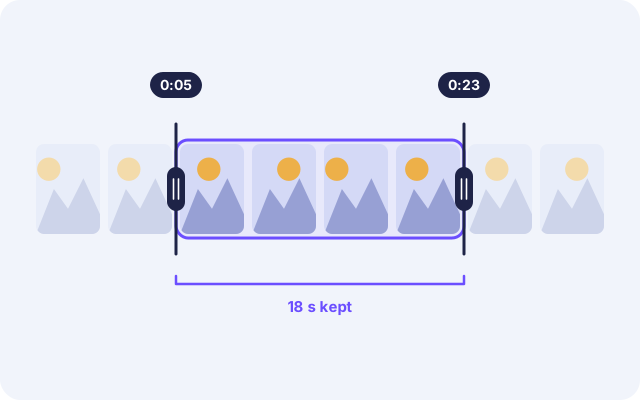
Precise Trimming on a Visual Timeline
Scrolling through a long recording to find the right moment is slow. Devoice lays your video out as a row of frames, so you can spot the beginning and end of the scene you need at a glance. Drag the two handles to set your range, preview it, and cut out dead intros, mistakes, and extra footage in seconds.
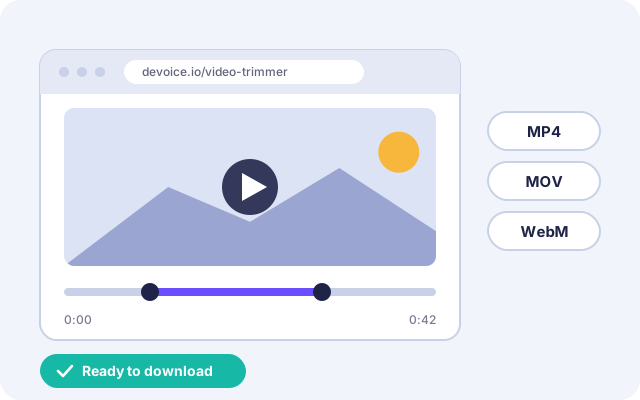
Fast Trimming in Your Browser, No Software
You don't need a heavy video editor to shorten a clip. Devoice Video Trimmer works online in your browser on Windows, Mac, iPhone, and Android. Open the page, upload your video, and trim. It's built for quick jobs: short clips for social posts, highlights from a screen recording, or a meeting excerpt you want to share.
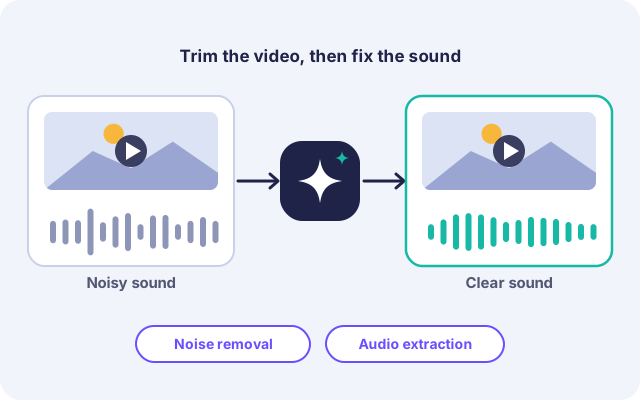
Fix the Sound, Too, with AI
A great clip can be ruined by background noise. After trimming, use Devoice's AI tools to remove noise from your video's audio, or extract the audio as a separate file for podcasts, voiceovers, and music. Trim, clean up, and export from one place instead of switching between several tools.
Video Trimmer FAQ
Everything you need to know about trimming video with Devoice.
Is Devoice Video Trimmer free to use?
Yes, you can trim videos for free on Devoice. Premium plans are available if you need higher limits or more AI features.
What video formats can I trim?
Will trimming lower my video quality?
Can I trim videos on my phone?
Are my videos private and secure?
Can I also remove background noise from my video?
Ready to Trim Your Video?
Upload your video and get a clean, perfectly cut clip in seconds. No software, no complicated editing.